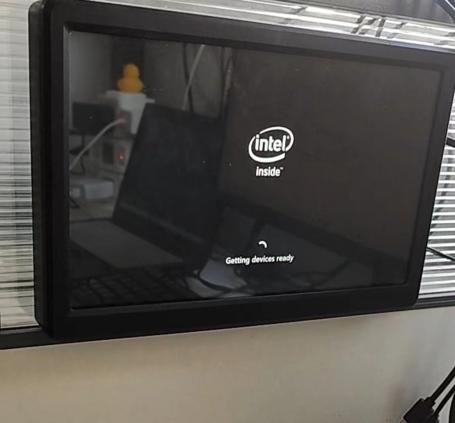
¶ BY53 MINIPC Product
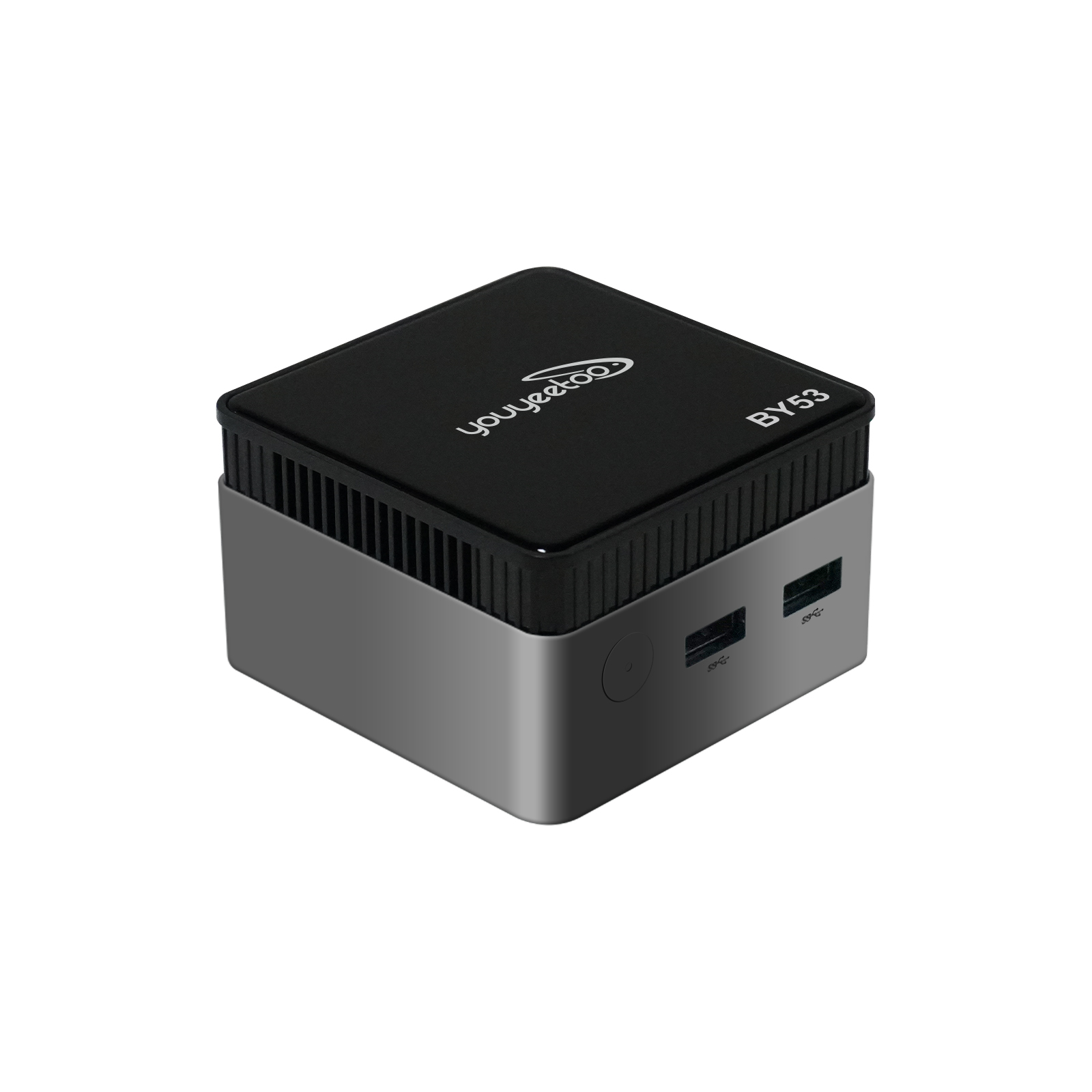
¶ Product Brief
The BY53 is an ultra-compact Mini PC built on the Intel Twin Lake N150 processor. It integrates LPDDR5 memory and a high-speed NVMe SSD, supports 4K output, dual displays, full-function Type-C and PD power delivery, and measures only 72 × 72 × 44.5 mm—ideal for office work, study, soft-routing, and lightweight creative tasks.
中文资料:minipc
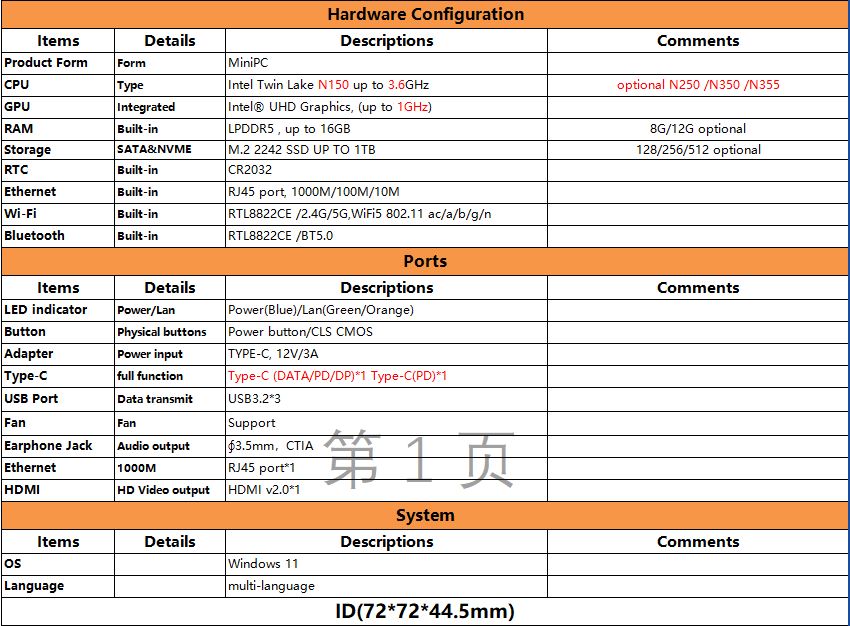
¶ parameter:
¶ Installation system
¶ means of preparation
¶ Hardware Link
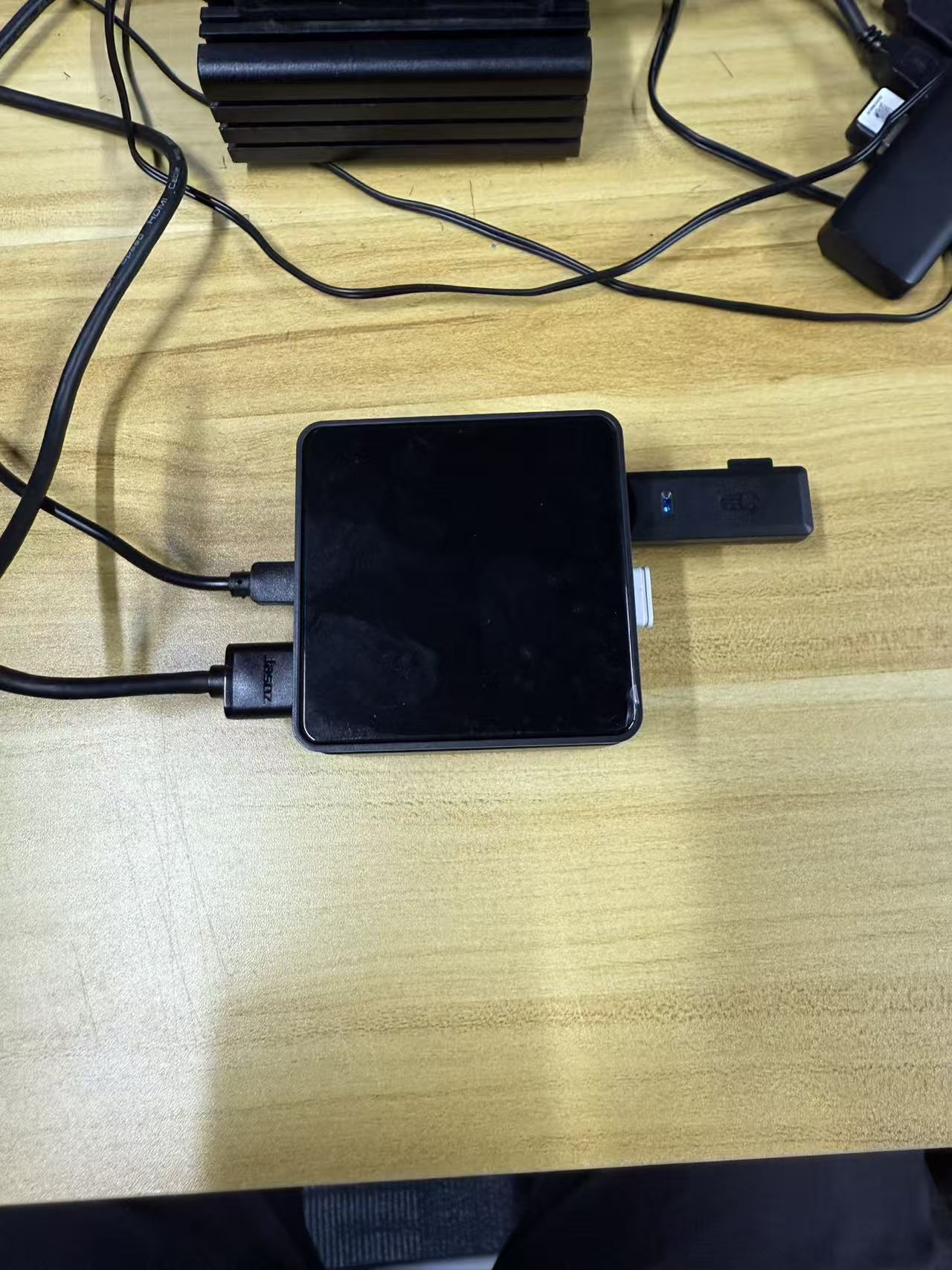
¶ system installation
1.Copy the extracted image file to a USB flash drive to complete the system disk.
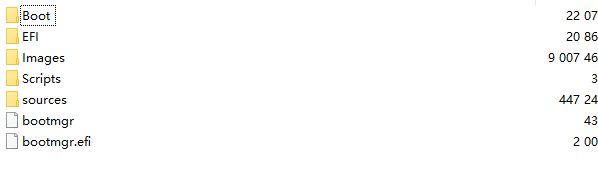
2.Change the U disk name to "WINPE"
"WINPE" is the abbreviation of Windows Preinstallation Environment (a pre-installation environment for Windows). Storage devices such as U disks are often made into "WINPE bootable disks", which are used for operations like system installation, troubleshooting, and disk management. Renaming the volume label to "WINPE" helps clearly identify the disk's purpose—indicating that it is a storage medium dedicated to the WINPE environment.
3.After inserting the system USB drive and powering on, the computer will automatically enter BIOS Wait for the burning to be completed
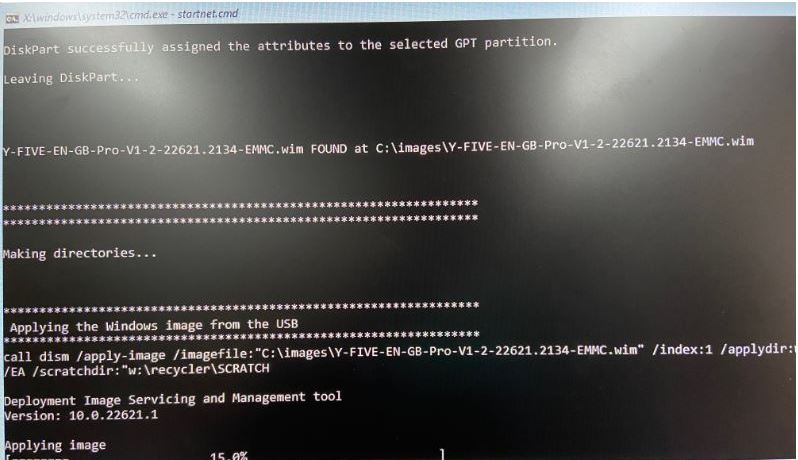
If the auto-installation screen does not appear, format the USB flash drive and install it again.
4.The first opportunity to load the system will take some time to wait, which is estimated to be five minutes.