This tutorial uses Quectel EC20 IoT 4G all-network CAT4 communication module.
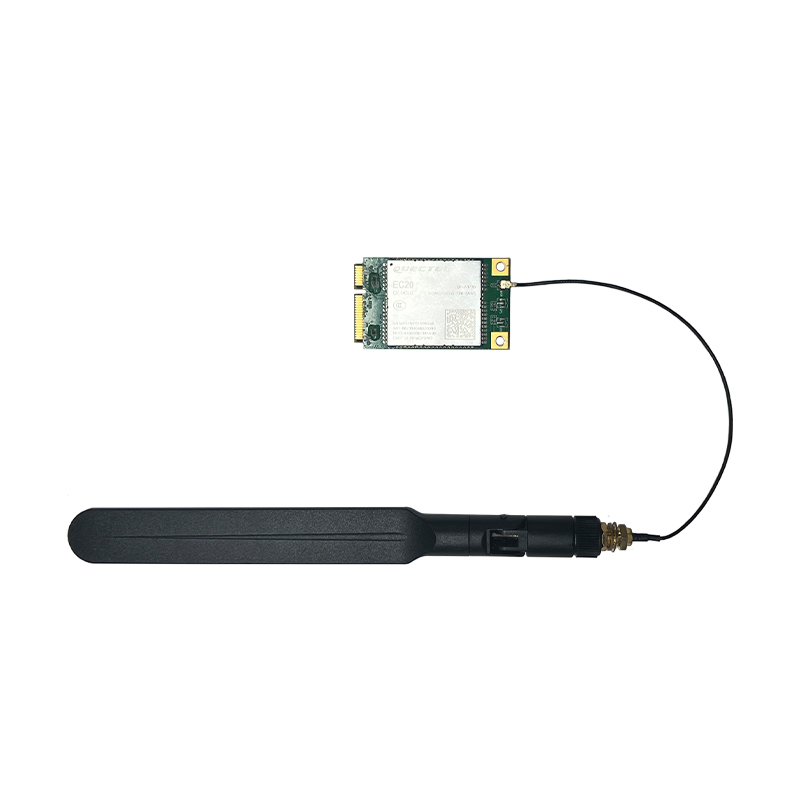
EC20 is an LTE Cat 4 wireless communication module launched by Quectel. It adopts LTE 3GPP Rel.11 technology and supports a maximum downlink rate of 150Mbps and a maximum uplink rate
| Model Number | EC20 R2.1 Mini PCIe |
| Operating Frequency Band | TDD-LTE: B38/B39/B40/B41 FDD-LTE: B1/B3/B8 WCDMA: B1/B8 TD-SCDMA: B34/B39 GSM: 900/1800 MHz |
| Data Transmission | TDD-LTE: Max 130Mbps (DL) Max 35Mbps (UL) FDD-LTE: Max 150Mbps (DL) Max 50Mbps (UL) DC-HSPA+: Max 42Mbps (DL) Max 5.76Mbps (UL) UMTS: Max 384Kbps (DL) Max 384Kbps (UL) TD-SCDMA: Max 4.2Mbps (DL) Max 2.2Mbps (UL) CDMA: Max 3.1Mbps (DL) Max 1.8Mbps (UL) EDGE: Max 236.8Kbps (DL) Max 236.8Kbps (UL) GPRS: Max 85.6Kbps (DL) Max 85.6Kbps (UL) |
| Interface Connector | Mini-PCIe interface Network indicators: x2, NET_STATUS and NET_MODE UART: x1 UART UARTReset: Low level PWRKEY: Low level Antenna interfaces: x3 (main antenna, diversity antenna and GNSS antenna interfaces) ADC: x2 |
| Structural Dimensions | 51.0mm x 30.0mm x 4.9mm Weight: Approximately 10.5g Certification: CCC/NA*/TA |
¶ Hardware Connection
There are two connection methods.
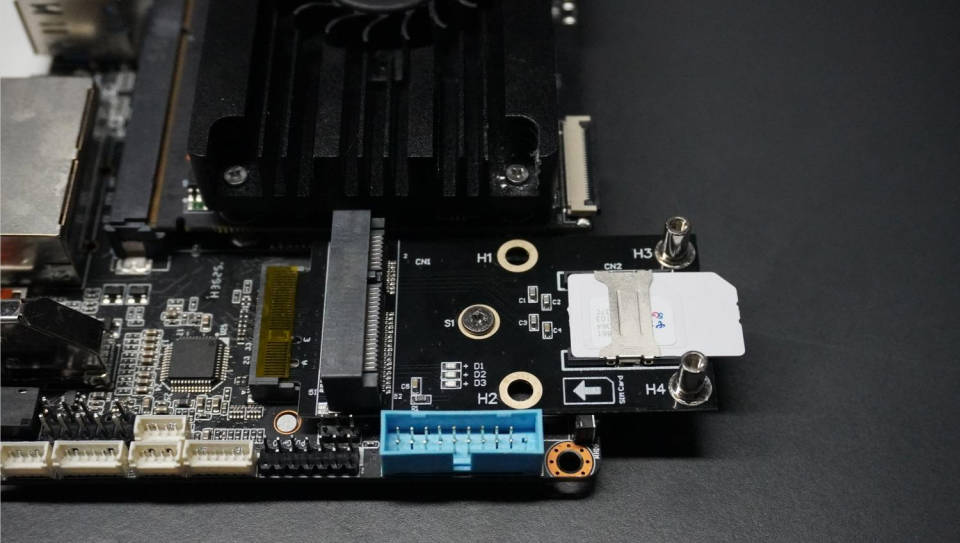
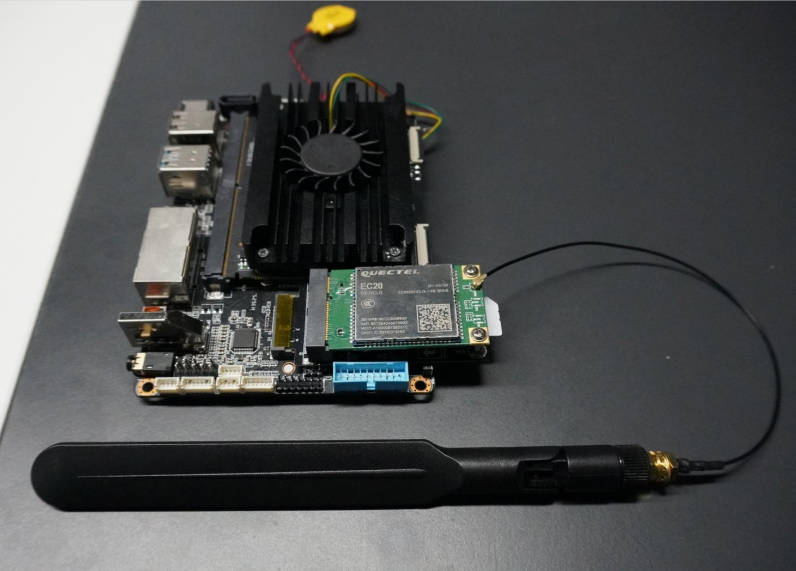
One is through the M.2 E interface on the front of the K1 board + EC20 4G module + adapter board.
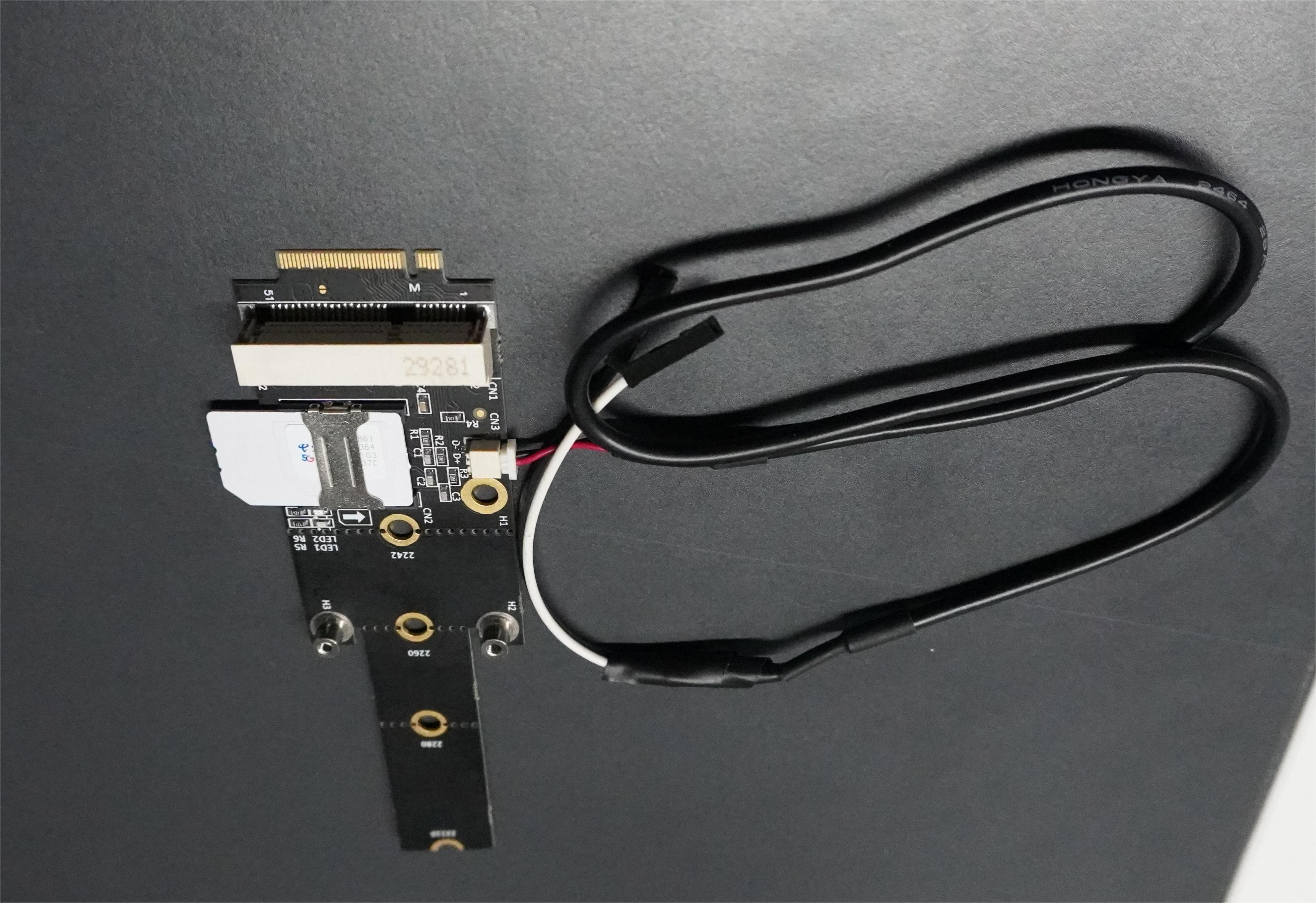
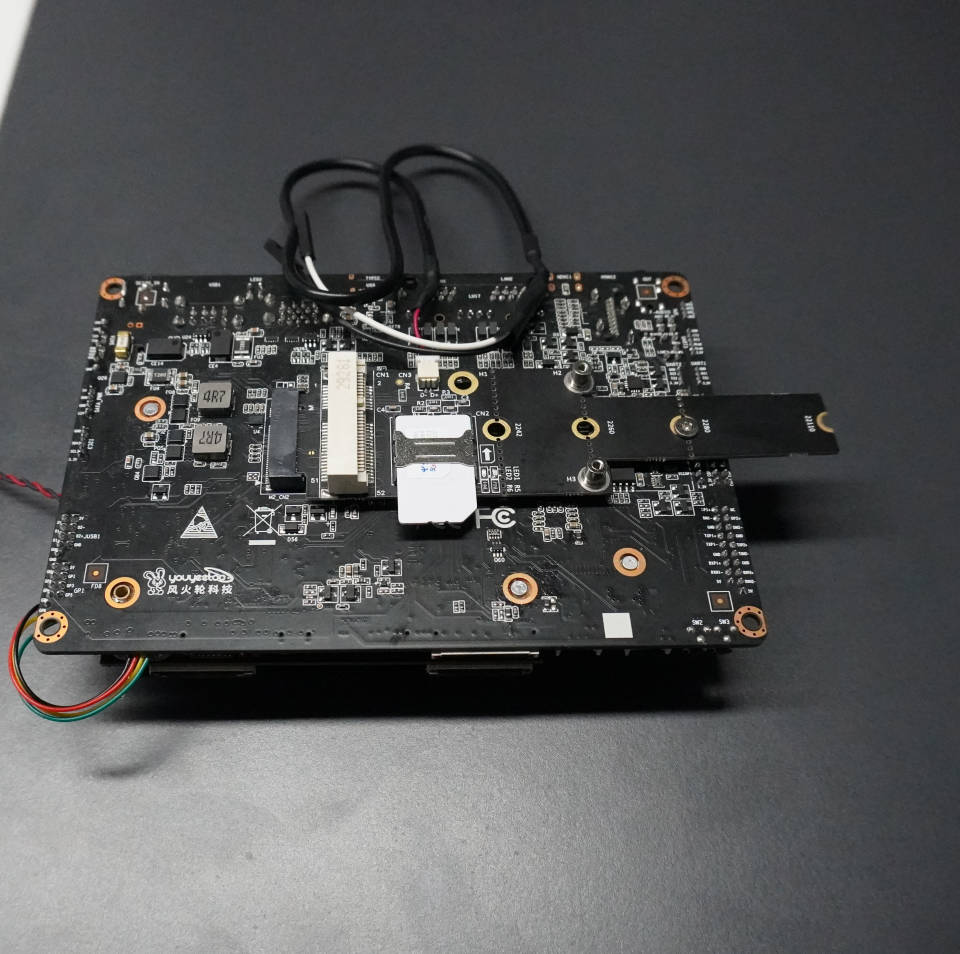
Another method is to use the M.2 M interface on the back of the K1 board + EC20 4G module + adapter board + USB header.
¶ Method 1: K1 board front M.2 E interface + EC20 4G module + adapter board
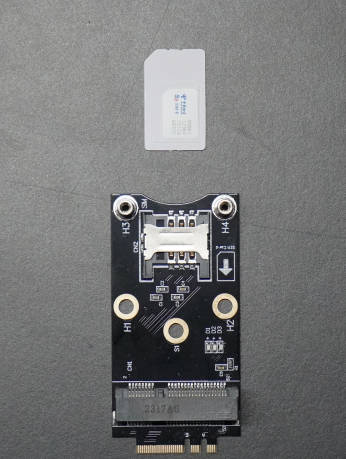
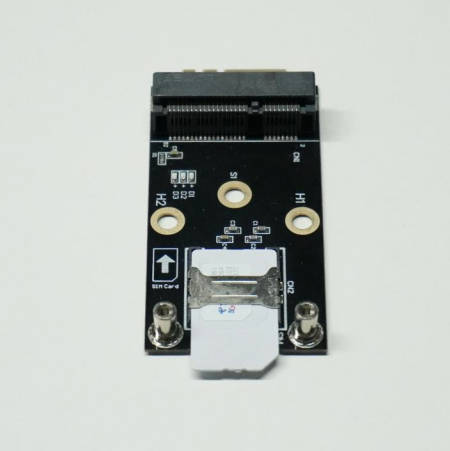
Please install according to the diagram below. Note that the SIM card must be usable, the correct insertion method is required, and an antenna must be connected to enhance the signal.
¶ Method 2: K1 board M.2 M interface on the back + EC20 4G module + adapter board + USB pins
Please install according to the diagram below. Note that the SIM card must be usable, the correct insertion method is required, and an antenna must be connected to enhance the signal.
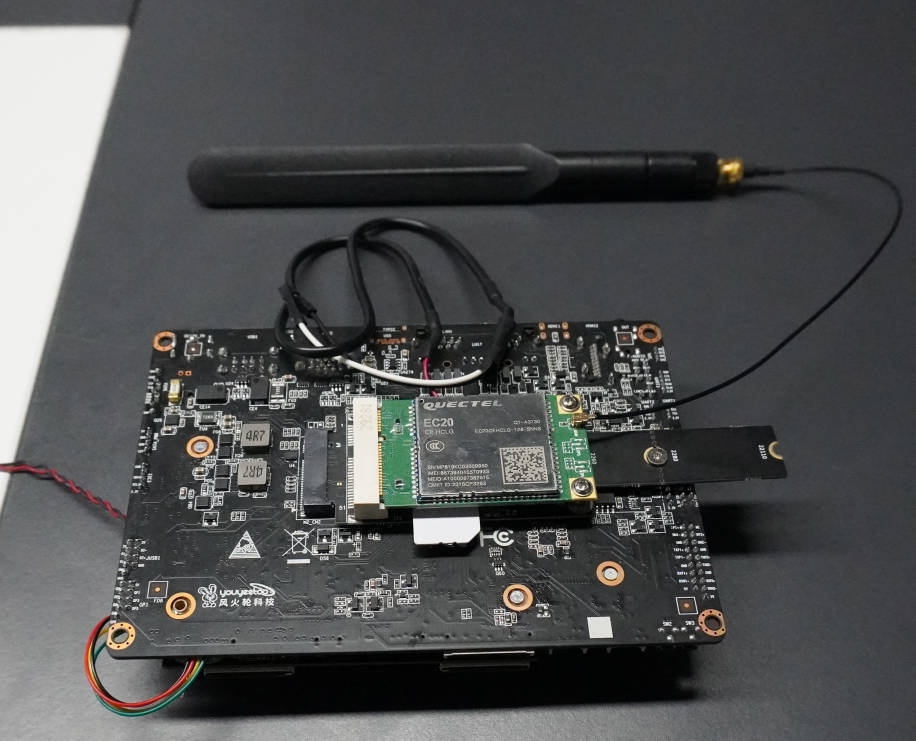
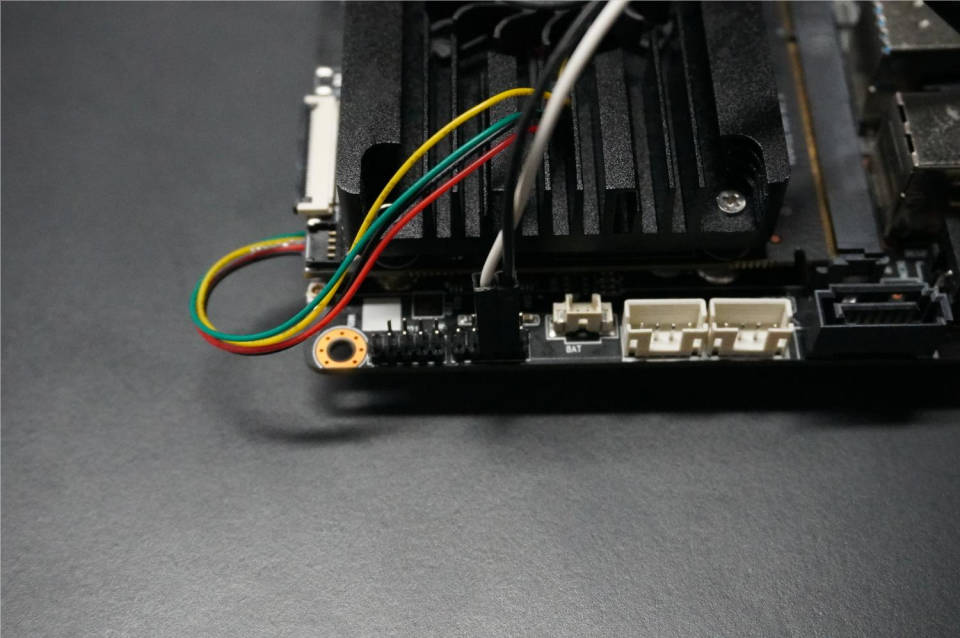
The corresponding schematic diagram connection is as follows:
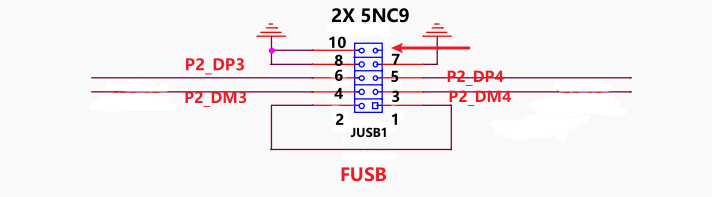
Method 1:
(4G Adapter Board) D+ ——> P2_DP3 (K1 Motherboard)
(4G Adapter Board) D- ——> P2_DM3 (K1 Motherboard)
Method 2:
(4G Adapter Board) D+ ——> P2_DP4 (K1 Motherboard)
(4G Adapter Board) D- ——> P2_DM4 (K1 Motherboard)
¶ Driver Installation
EC20 4G Module Windows Driver Package Download
- Quectel_LTE&5G_Windows_USB_Driver_V2.2.6_beta_20201230.zip
Youyeetoo Official Drive Download Link
http://dd.youyeetoo.cn:5000/sharing/VpvRLC0hi
Google Drive Download Link
**
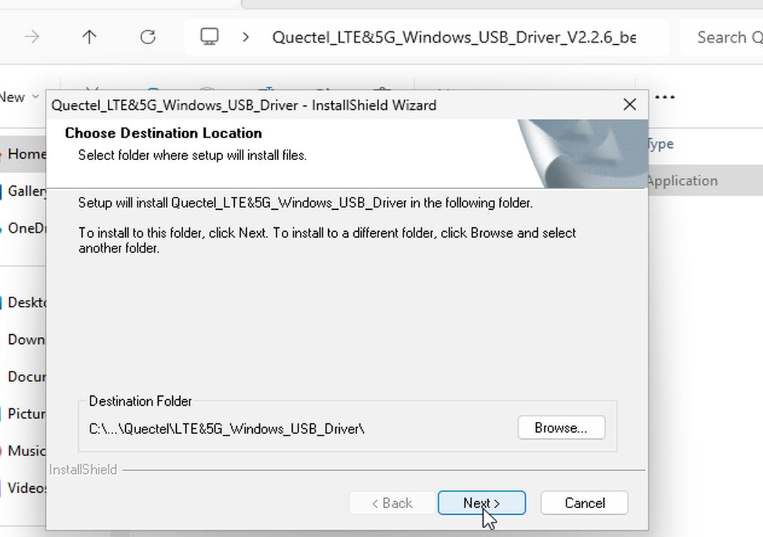
Unzip the compressed file Quectel_LTE&5G_Windows_USB_Driver_V2.2.6_beta_20201230.zip and run setup.exe.
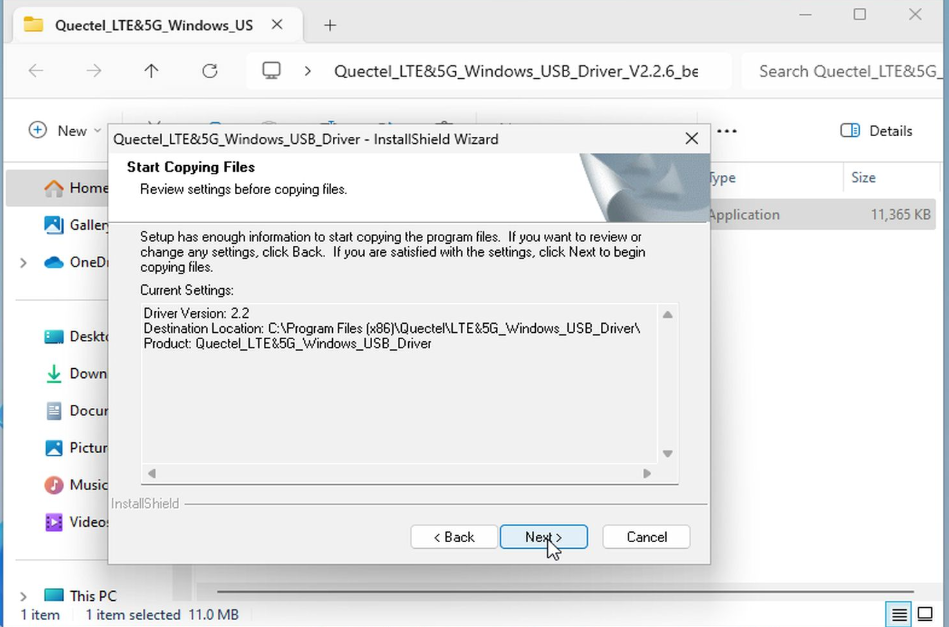
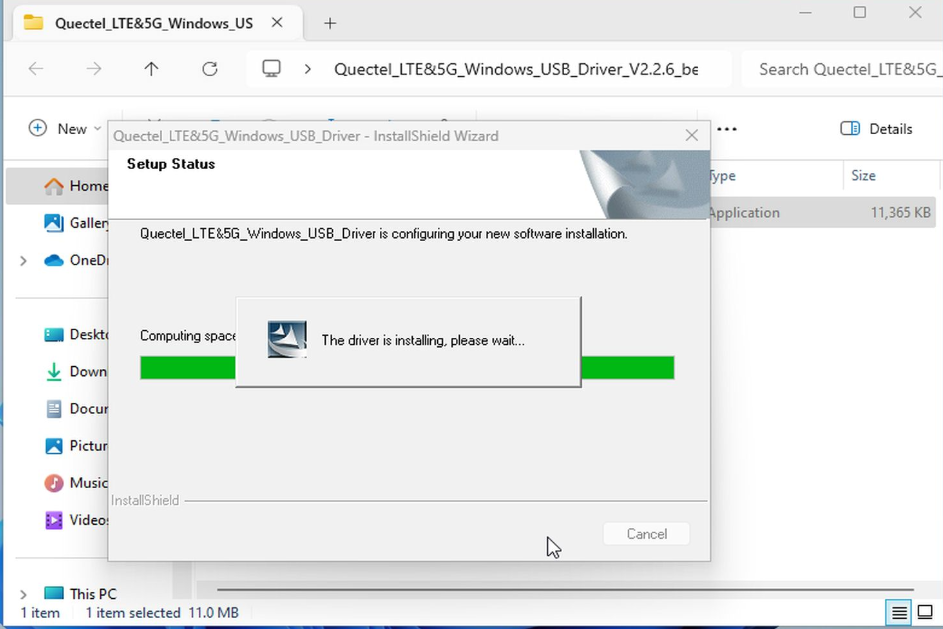
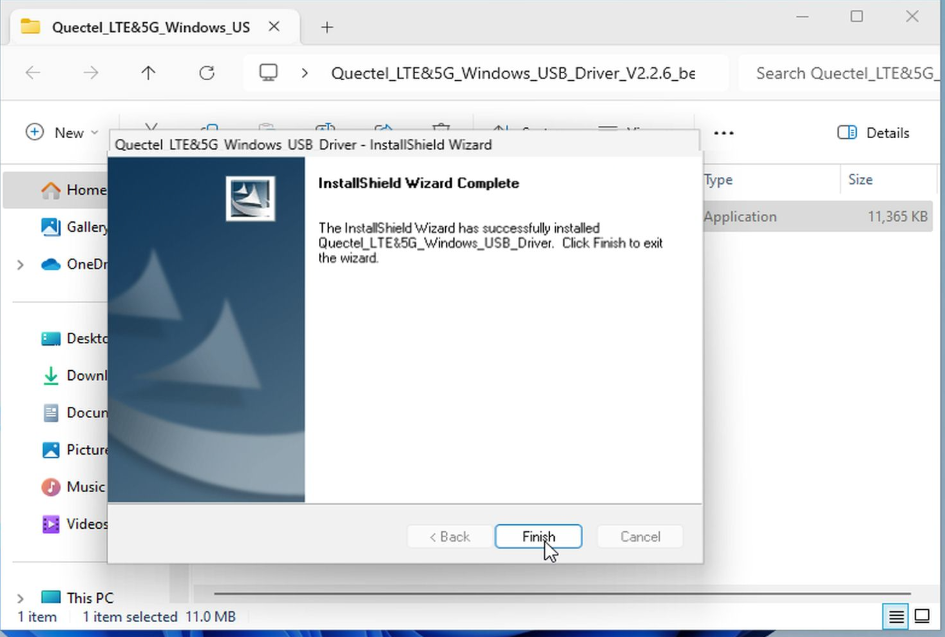
¶ Using 4G network on Windows
Prerequisites: Install the EC20 Windows 4G module driver (Youyeetoo's customized system includes the driver)
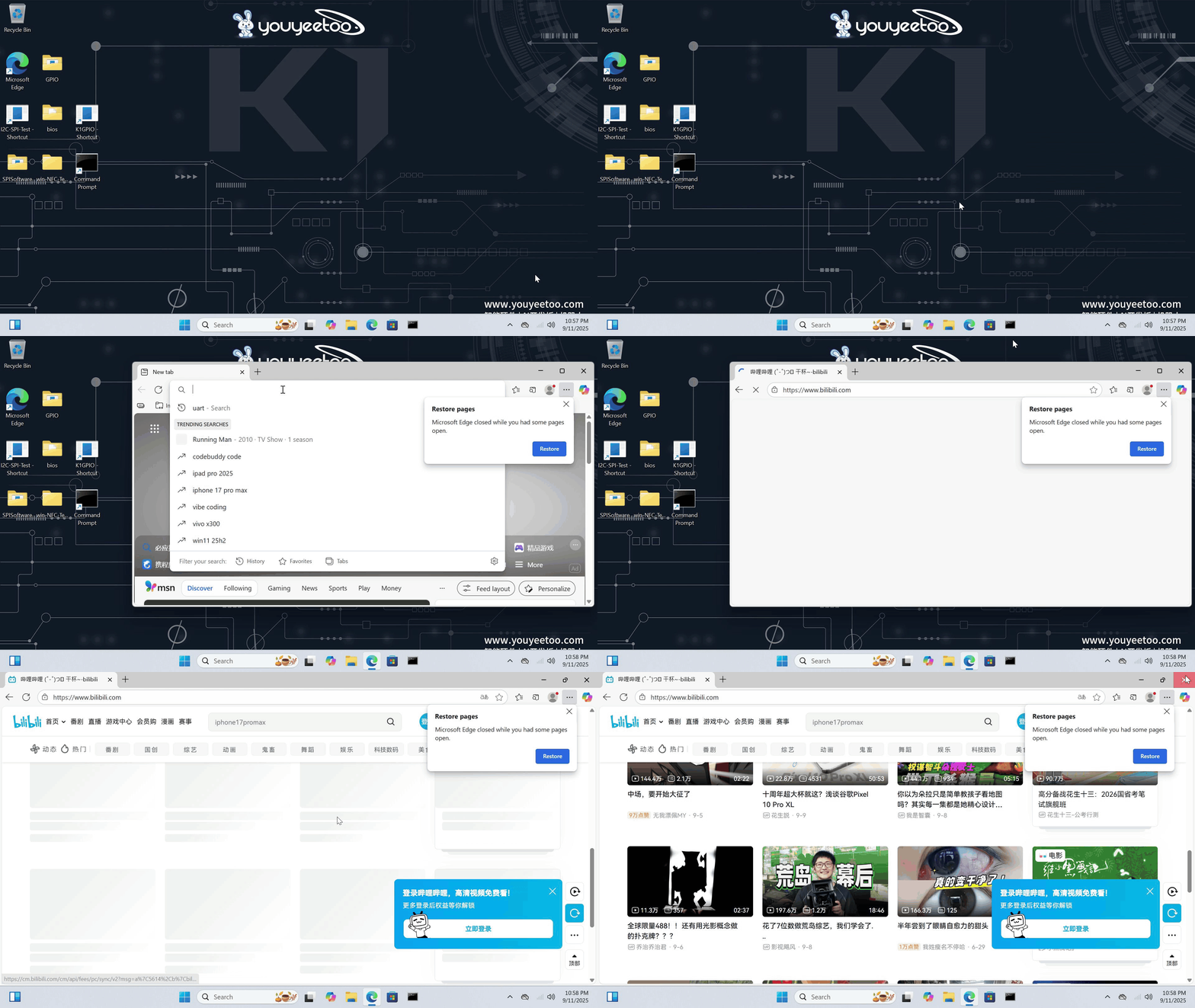
First, click the icon below, then click Mobile Hotspot to turn on 4G internet access.
¶ Using 4G network on Ubuntu
Higher versions of Ubuntu come with the corresponding module driver; lower versions of Ubuntu require you to download and install the driver manually.
-
Click on the power button in the upper right corner
-
Click on the 'Settings' option
-
Select the 'Mobile Broadband Off' option
-
Click on 'Connect'`
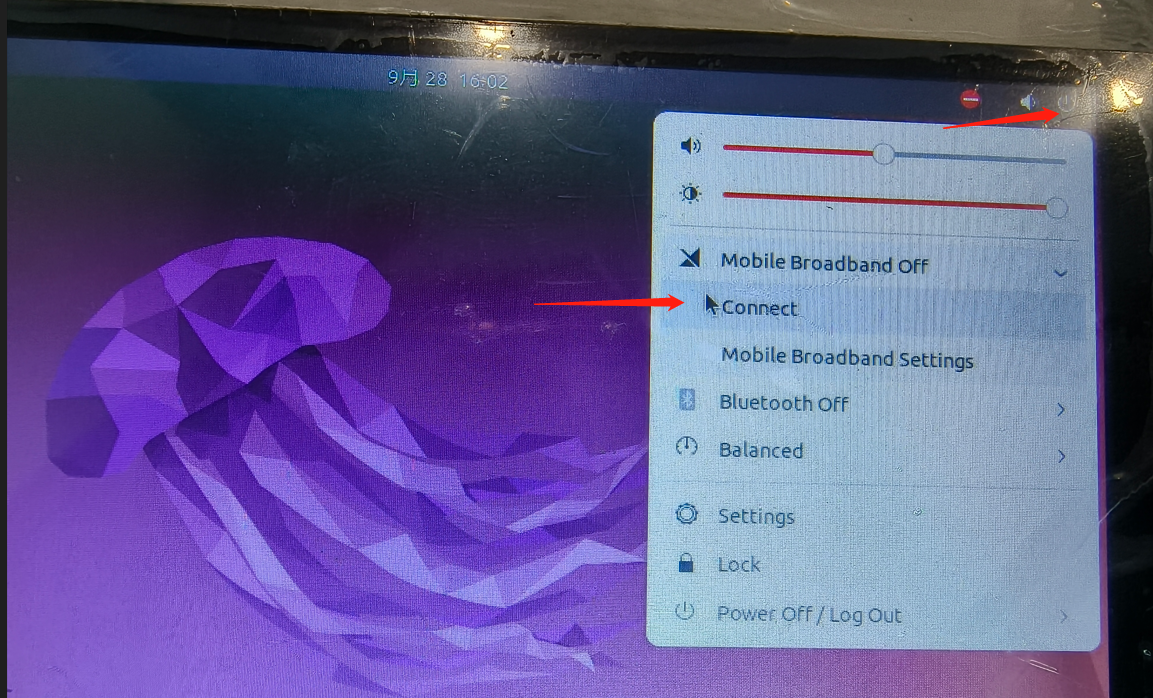
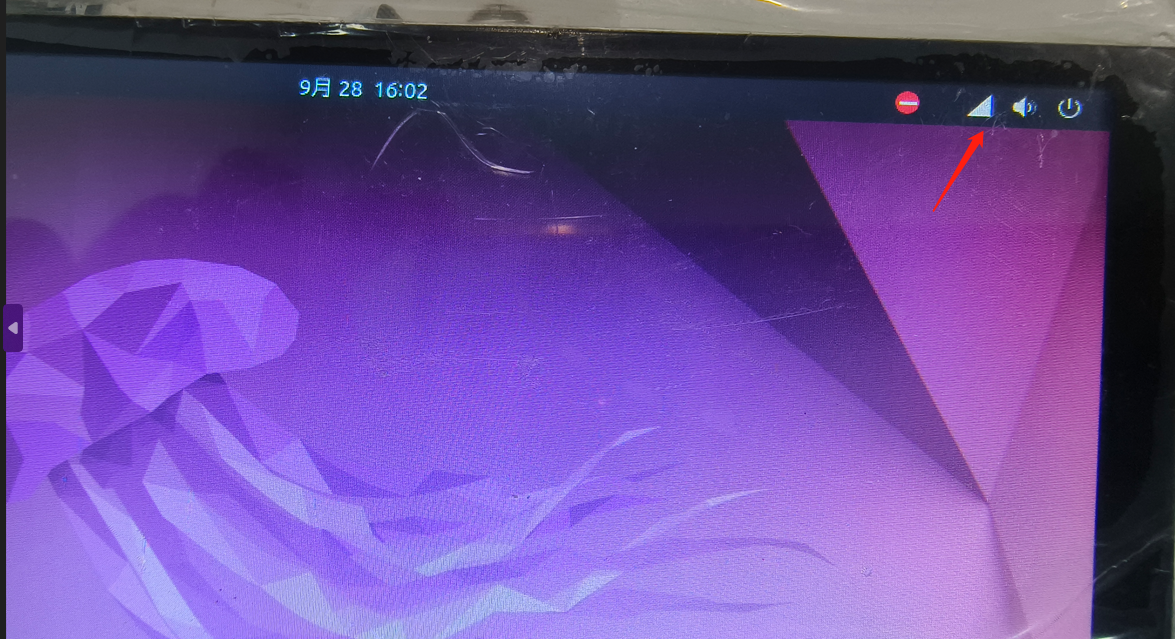
- The triangle icon appears in the upper right corner to access the internet