For Windows systems customized by Youyeetoo, all K1 Windows drivers are already included, so customers do not need to install them themselves to use the interface. If you are installing a Windows system yourself, please install the corresponding interface driver according to your own needs.
¶ Required driver package for Windows Systems
¶ K1 Windows Chipset Driver package
- K1 Windows Chipset Driver Package 230801_Chipset-10.1.19376.8374-Public-MUP.zip
Youyeetoo Official Drive Download Link
http://dd.youyeetoo.cn:5000/sharing/BxXXQokk1
**
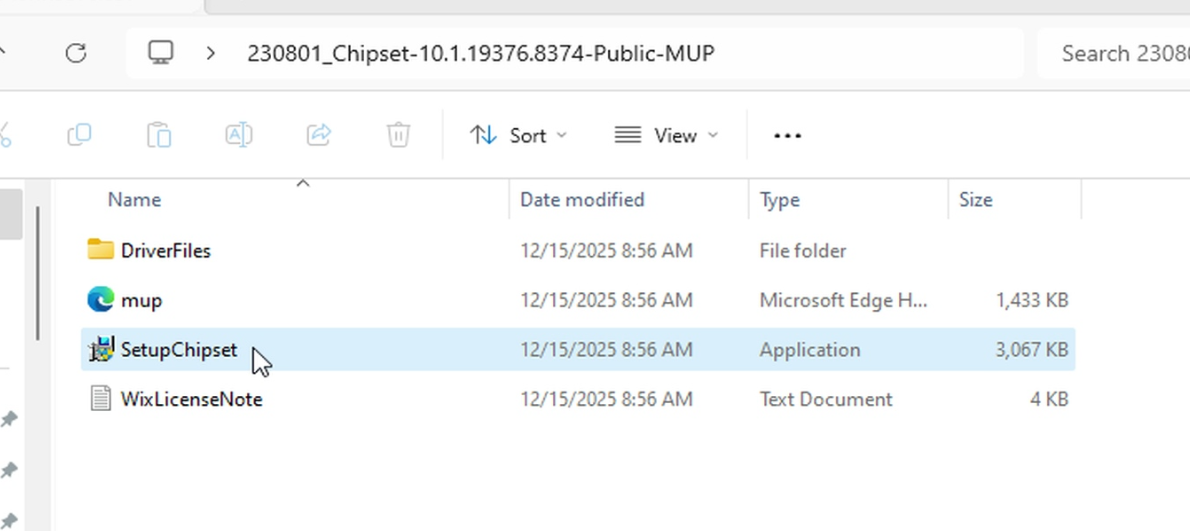
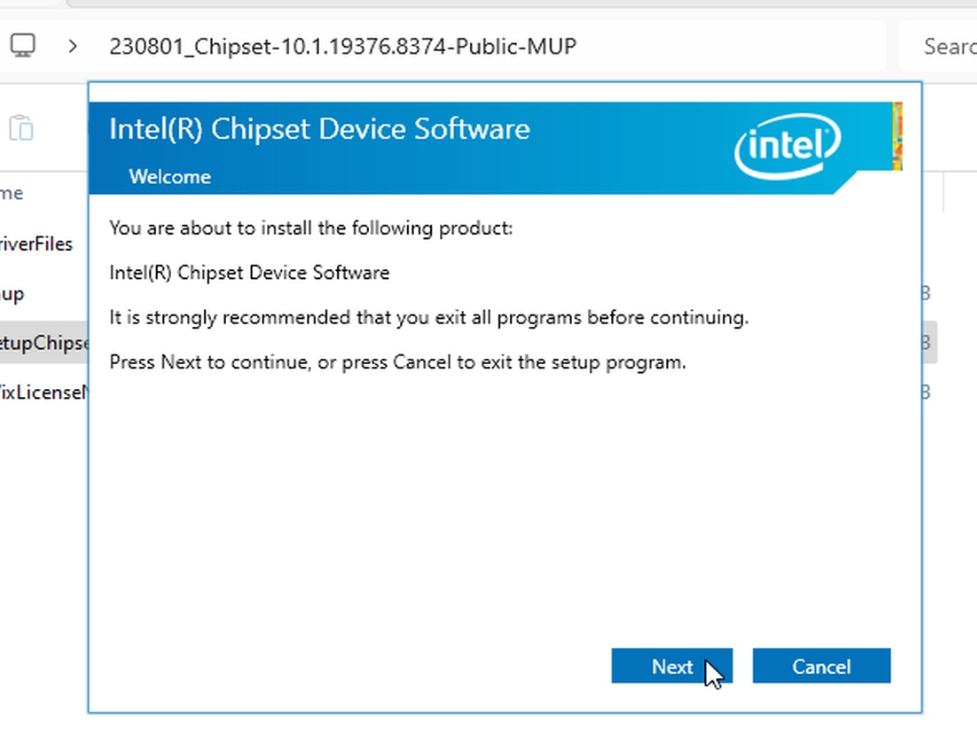
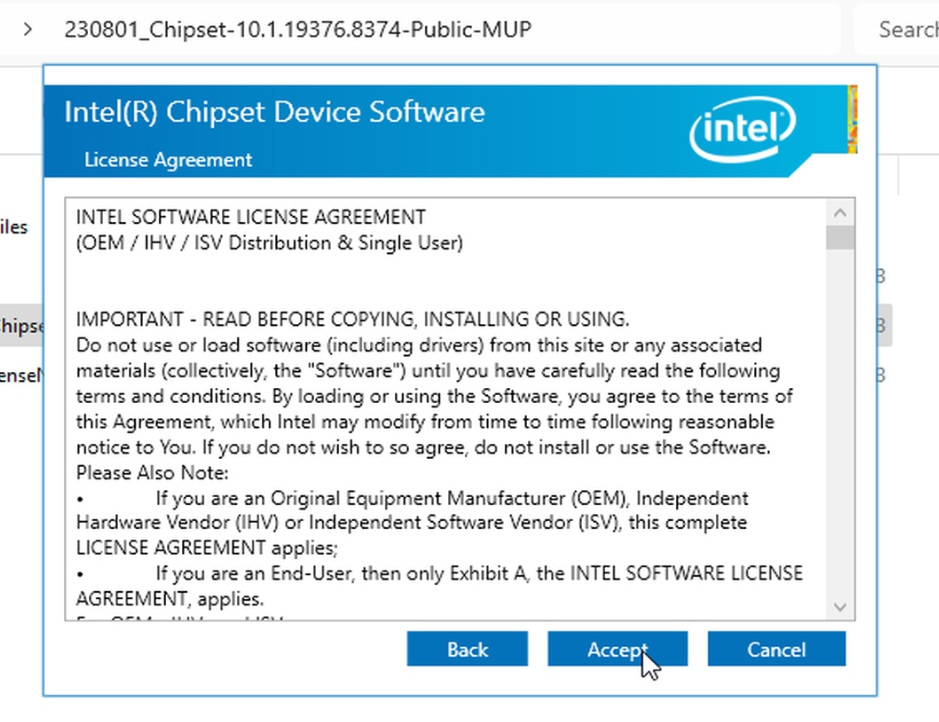
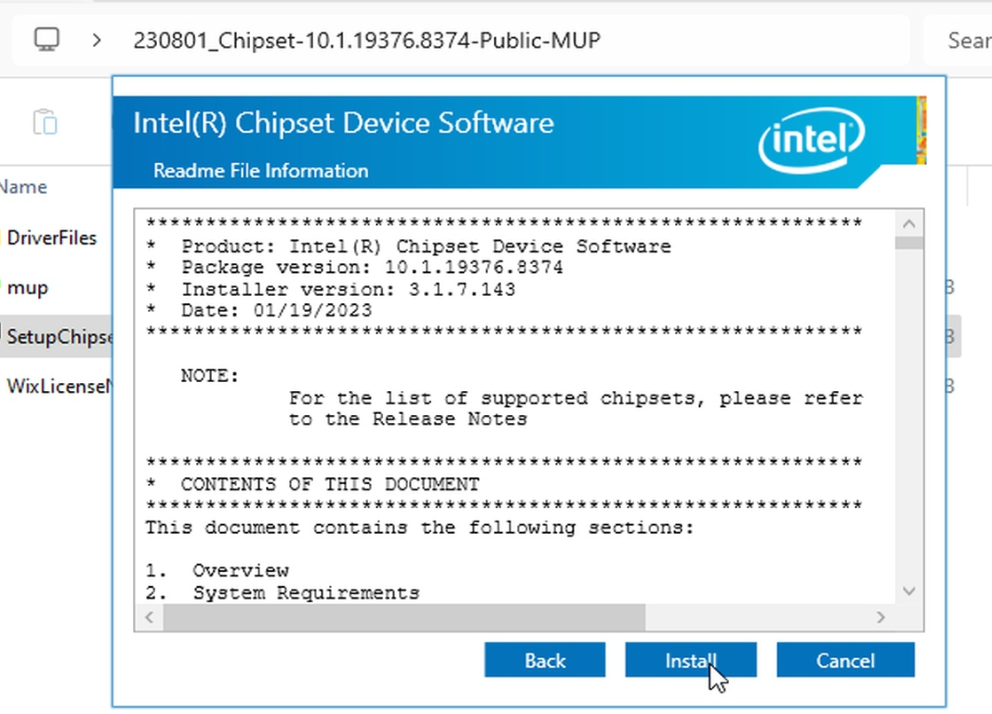
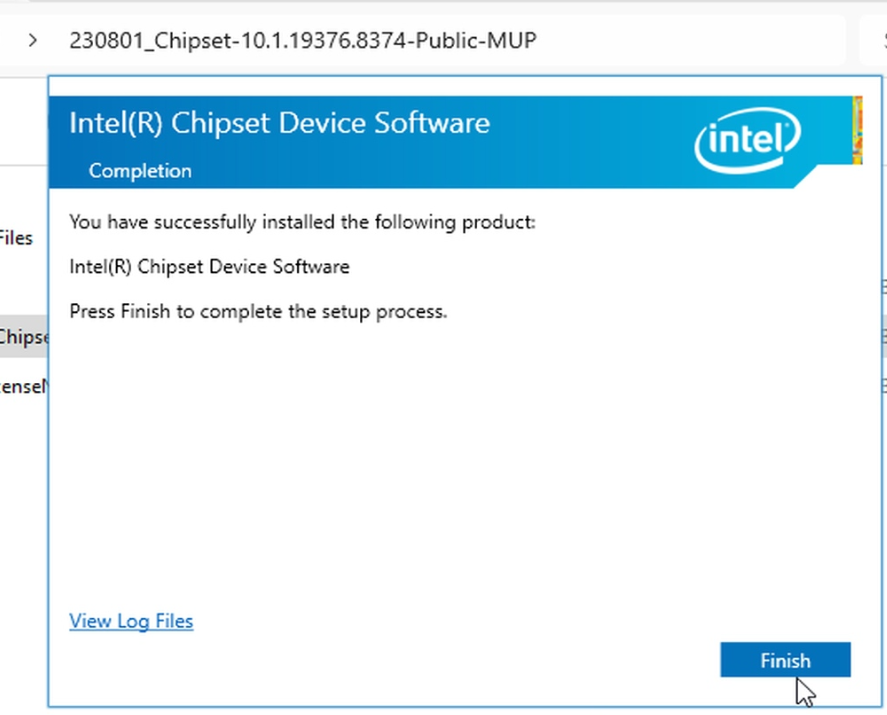
Download the 230801_Chipset-10.1.19376.8374-Public-MUP.zip compressed file to your K1 motherboard, then extract it and run SetupChipset.exe.
¶ K1 Windows System SerialIo Driver Package
To use the K1 GPIO/UART/SPI/I2C/TP/MIPI Camera interface functions, this driver package must be installed.
Download K1 Windows SerialIo Driver Package
- K1 Windows SerialIO driver package 230803_SerialIO_30.100.2229.4_ADP-N_22H2.zip
Youyeetoo Official Drive Download Link
http://dd.youyeetoo.cn:5000/sharing/RyBSxxGAb
**
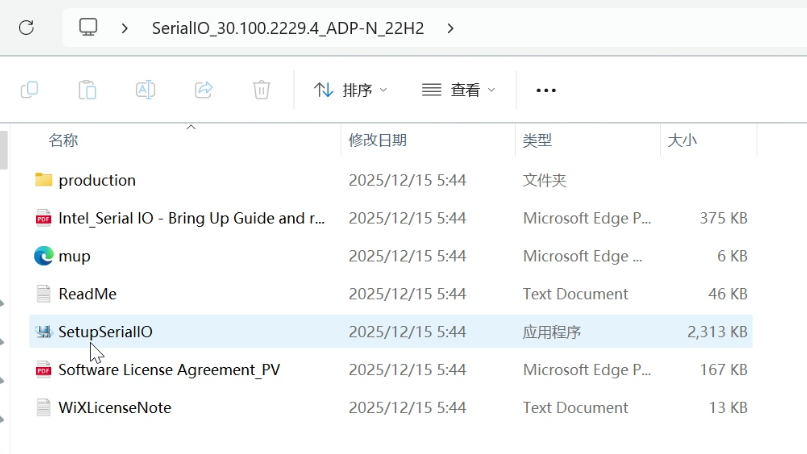
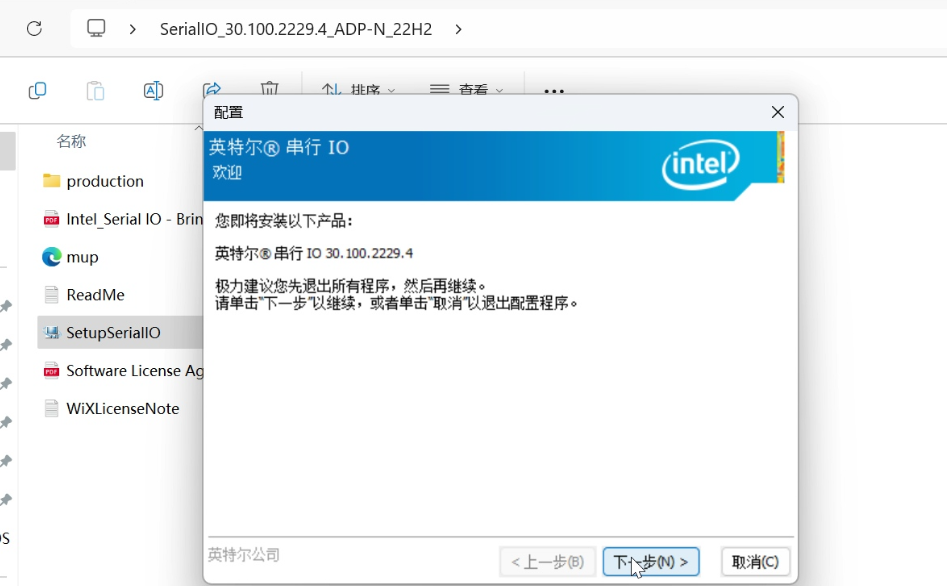
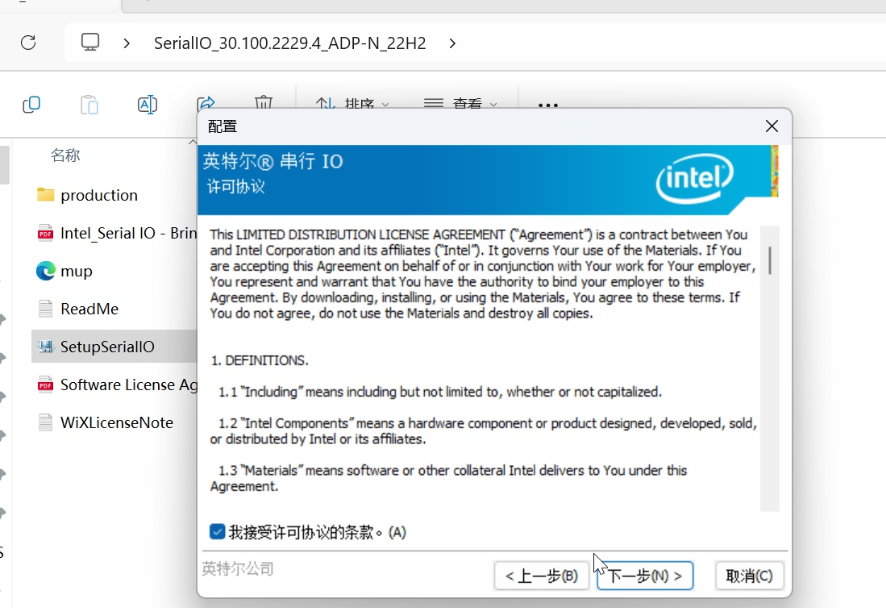
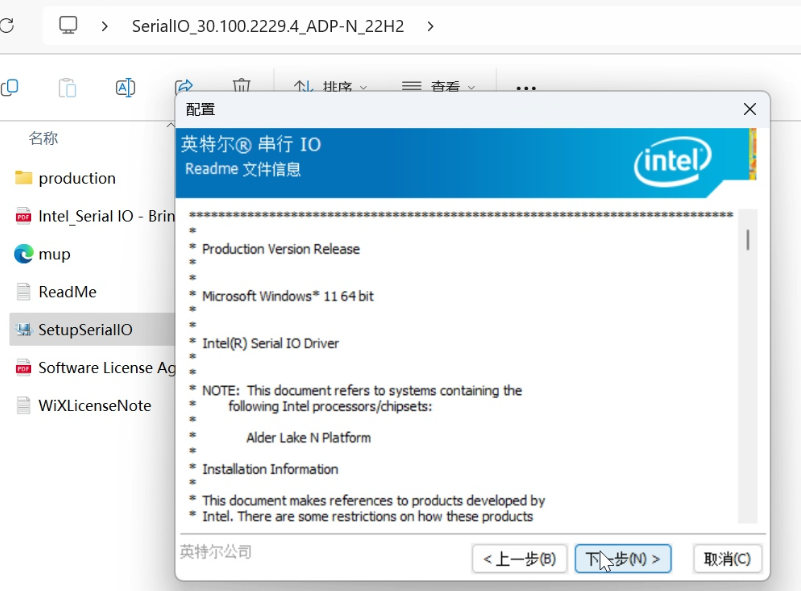
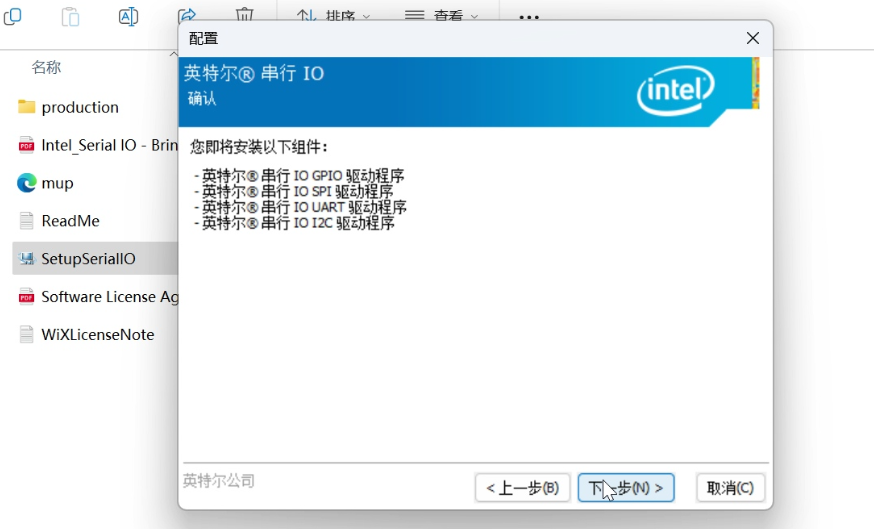
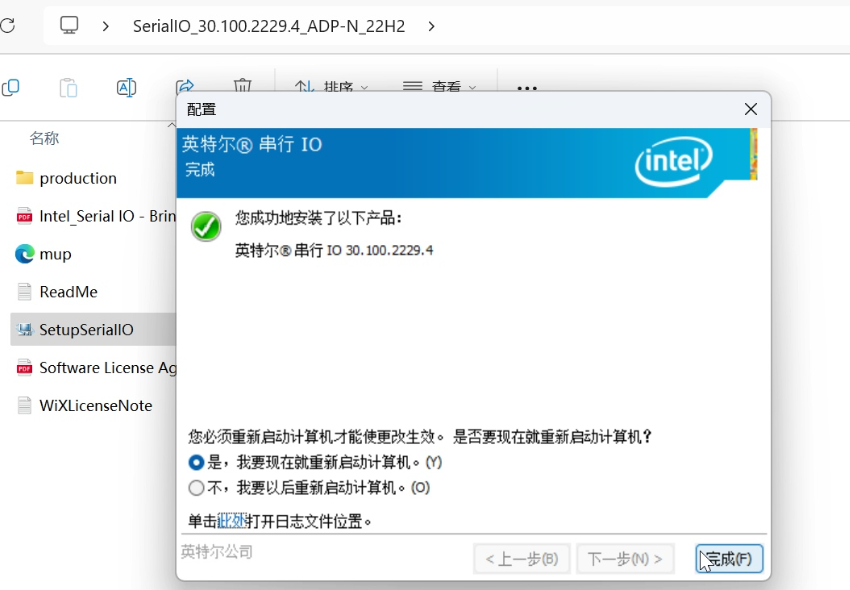
After downloading and extracting the compressed file to K1, run SerialIO_30.100.2229.4_ADP-N_22H2\SetupSerialIO.exe.
¶ K1 Chip Graphics Windows Driver Package
- Intel_Graphics_driver.zip230803_SerialIO_30.100.2229.4_ADP-N_22H2.zip
Youyeetoo Official Drive Download Link
http://dd.youyeetoo.cn:5000/sharing/JXAKrL5hz
**
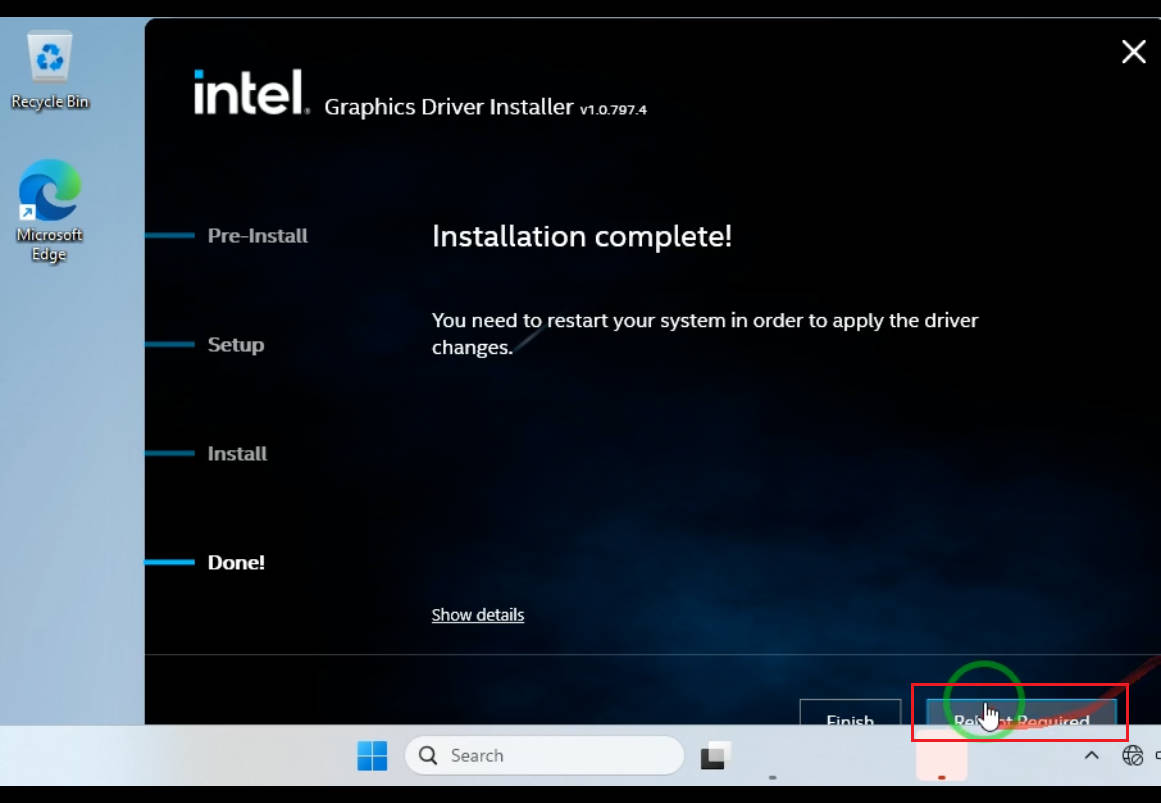
After downloading and extracting the compressed file to the K1 motherboard, run intel_gfx_win_31_0_101_4577\Installer.exe.
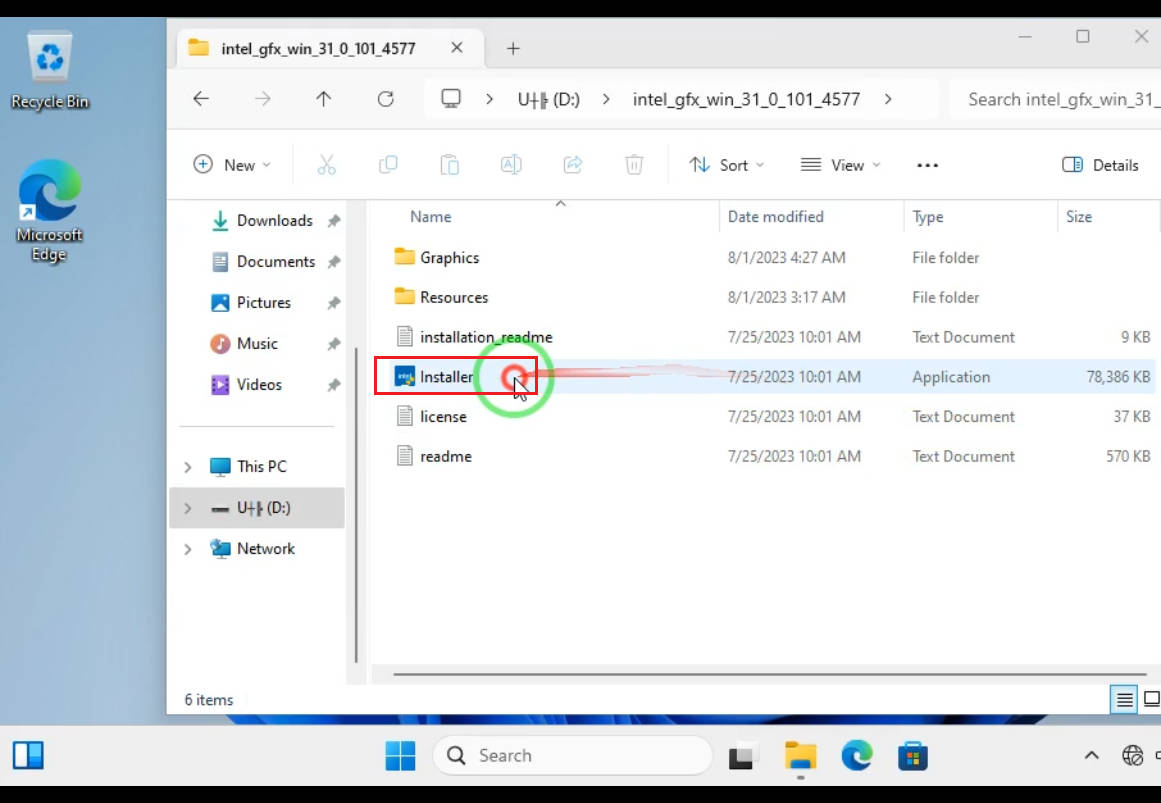
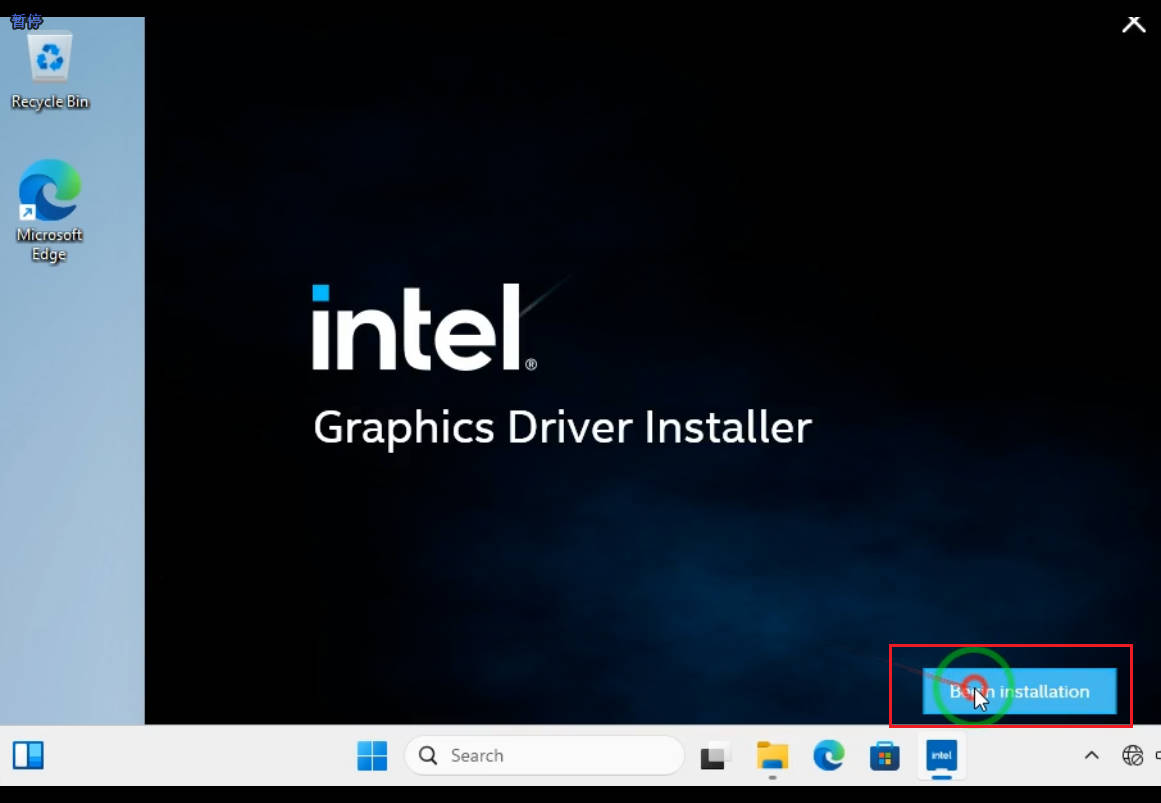
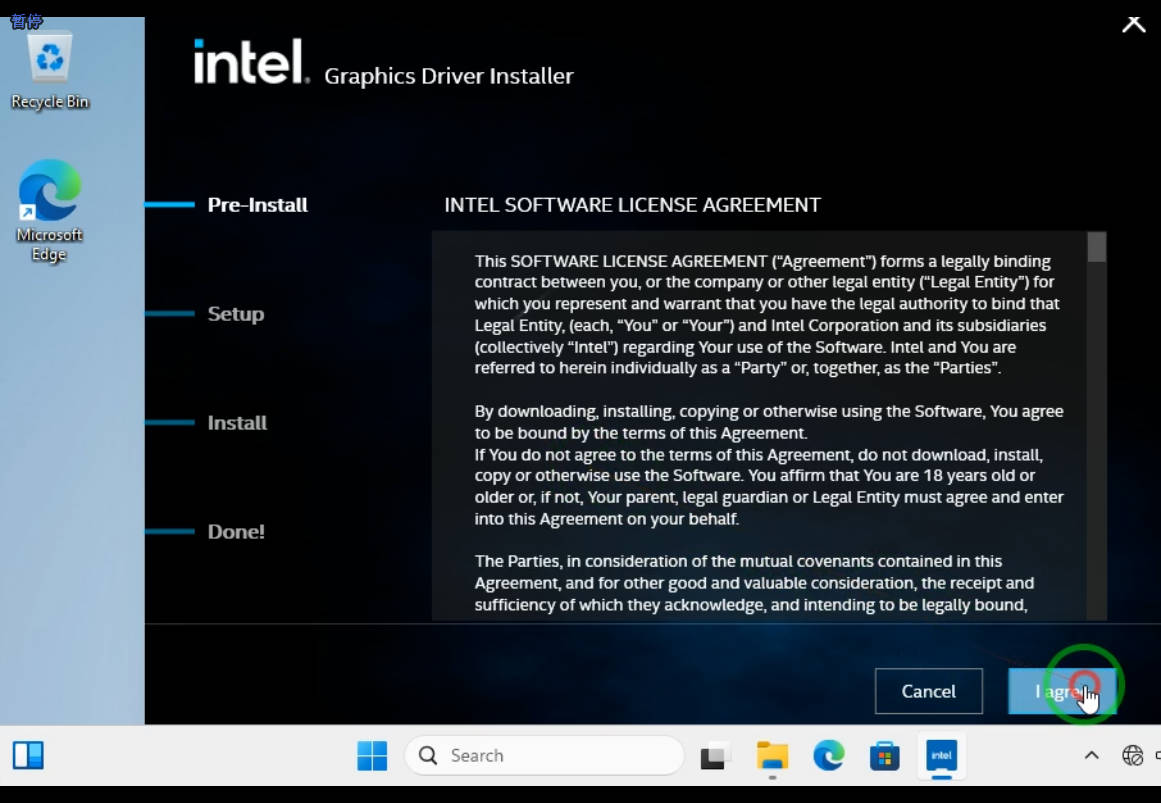
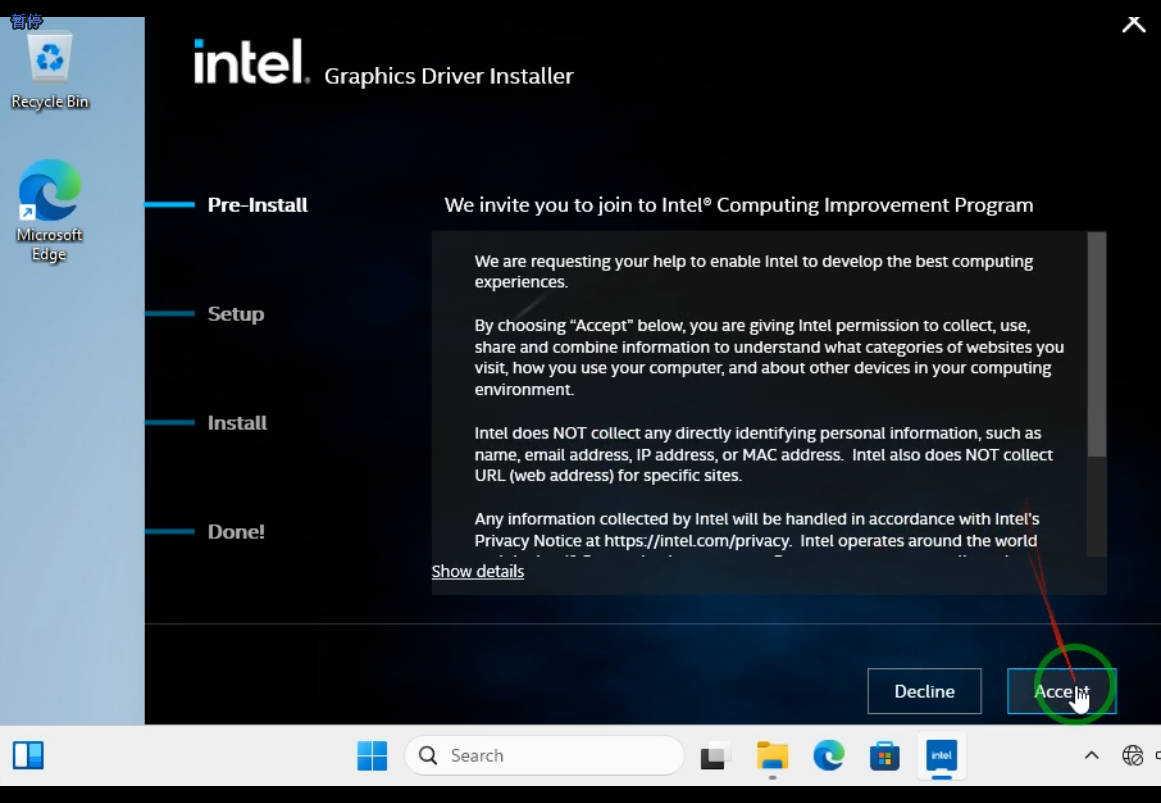
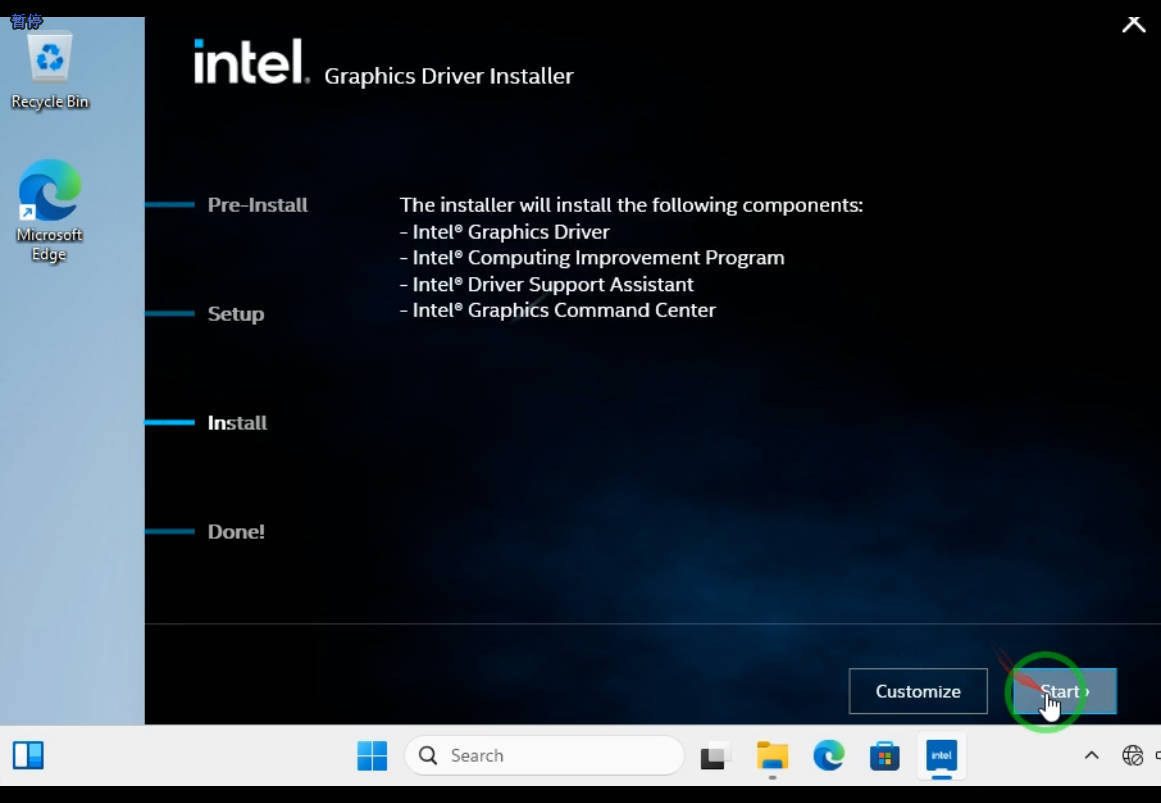
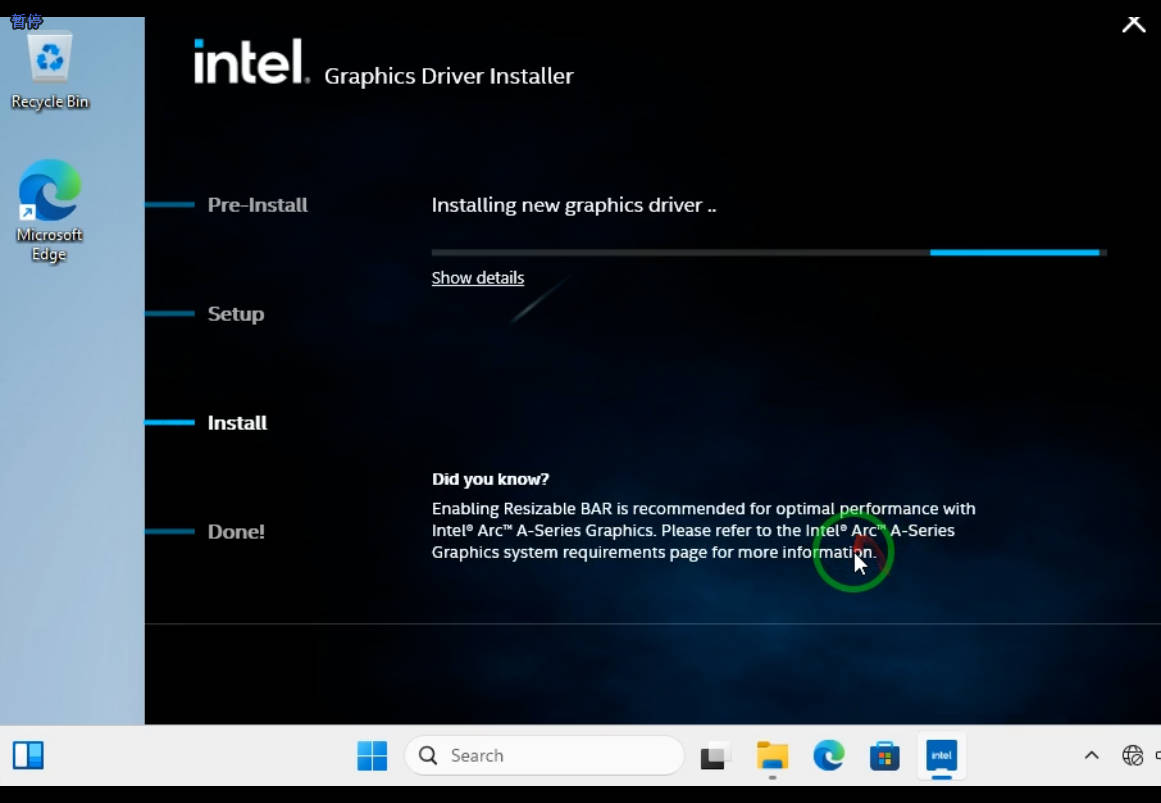
Click the Restart System button to update the integrated graphics driver.
¶ Install corresponding driver package for the module as required.
¶ MIPI Screen Touch Driver Package
To use K1 GPIO/UART/SPI/I2C/TP/MIPI Camera interface functions, the K1 Windows SerialIo driver package must be installed.
- 7-inch MIPI Touch Driver Package
Youyeetoo Official Drive Download Link
http://dd.youyeetoo.cn:5000/sharing/F71ePWec8
**
After downloading and extracting the K1 motherboard compressed file, right-click the GoodixTouchDriver.inf file and click Install.
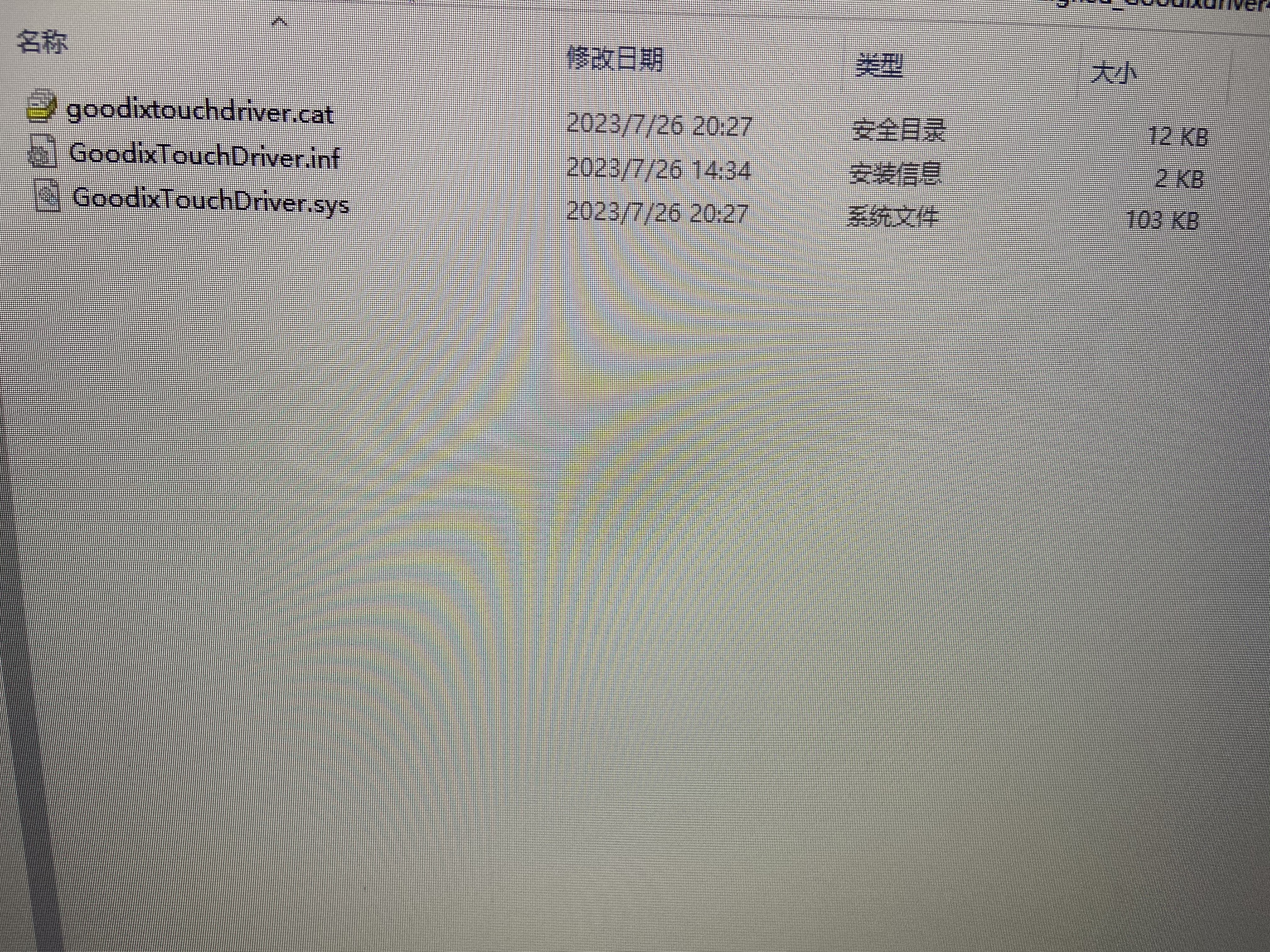
After driver installation, restart Windows.
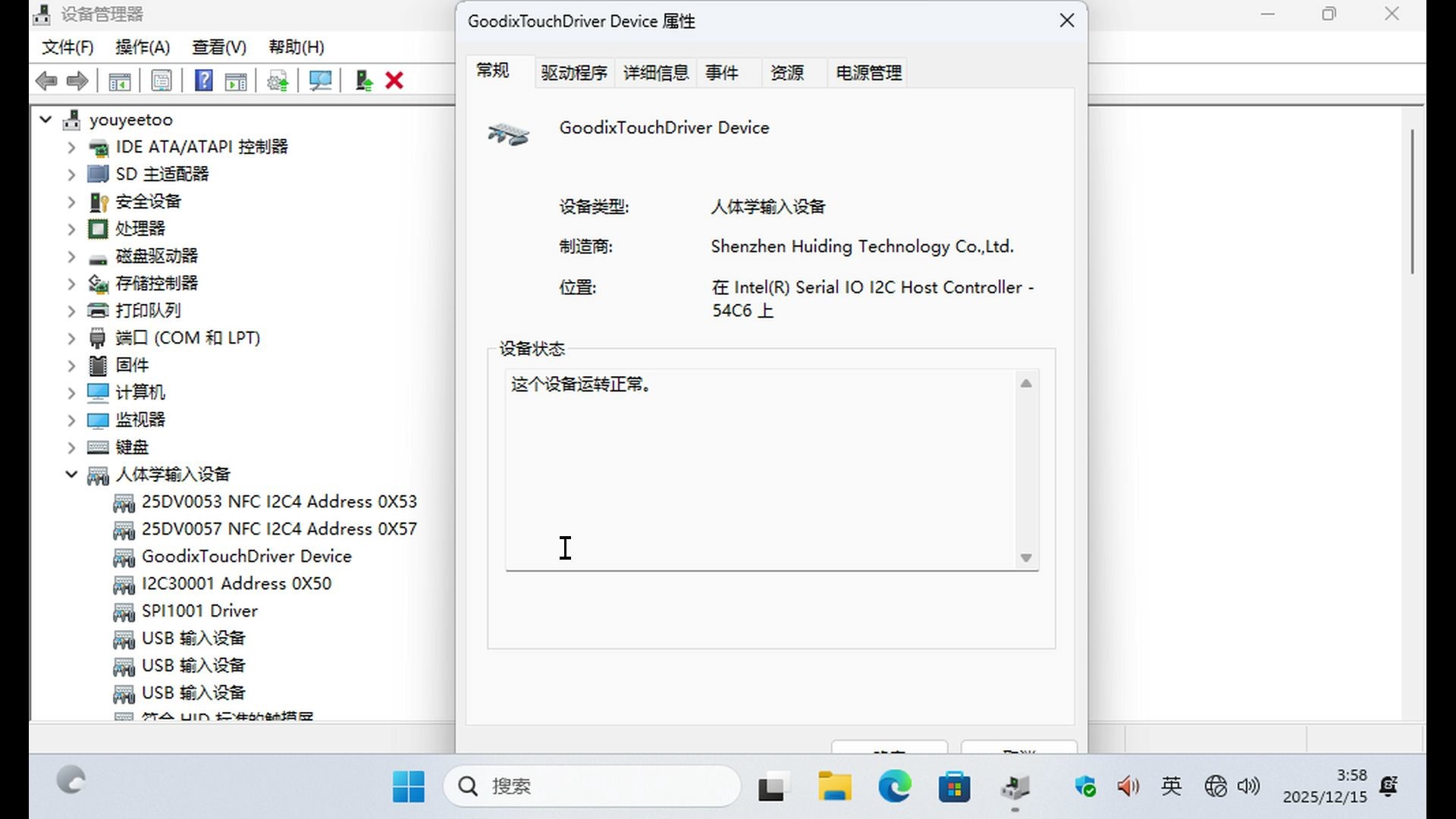
After restarting and entering the system, press Win + X + M to open Device Manager.
Right-click on Human Interface Devices -> GoodixTouchDriver Device and check the device status to see if it is functioning correctly.
¶ Realtek RJ45 Wired Network Port Driver Package
Download Realtek RJ45 Wired Network Port Windows Driver Package
- RJ45_Install_Win11_Win10_10078_20_DMAROFF_10282025.zip
Youyeetoo Official Drive Download Link
http://dd.youyeetoo.cn:5000/sharing/q41pFwu4J
**
¶ Realtek 8822/8852 WiFi/Bluetooth Module Driver Package
Download Realtek Wi-Fi/Bluetooth Module Windows Driver Package
- Realtek_Driver.zip
Youyeetoo Official Drive Download Link
http://dd.youyeetoo.cn:5000/sharing/NZ1HO0SmR
**
¶ EC20 4G Module Driver Package
EC20 4G Module Windows Driver Package Download
- Quectel_LTE&5G_Windows_USB_Driver_V2.2.6_beta_20201230.zip
Youyeetoo Official Drive Download Link
http://dd.youyeetoo.cn:5000/sharing/VpvRLC0hi
**
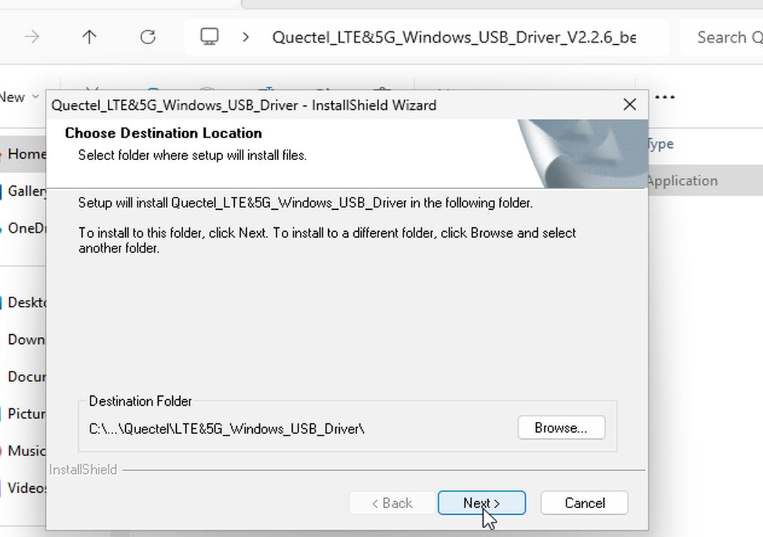
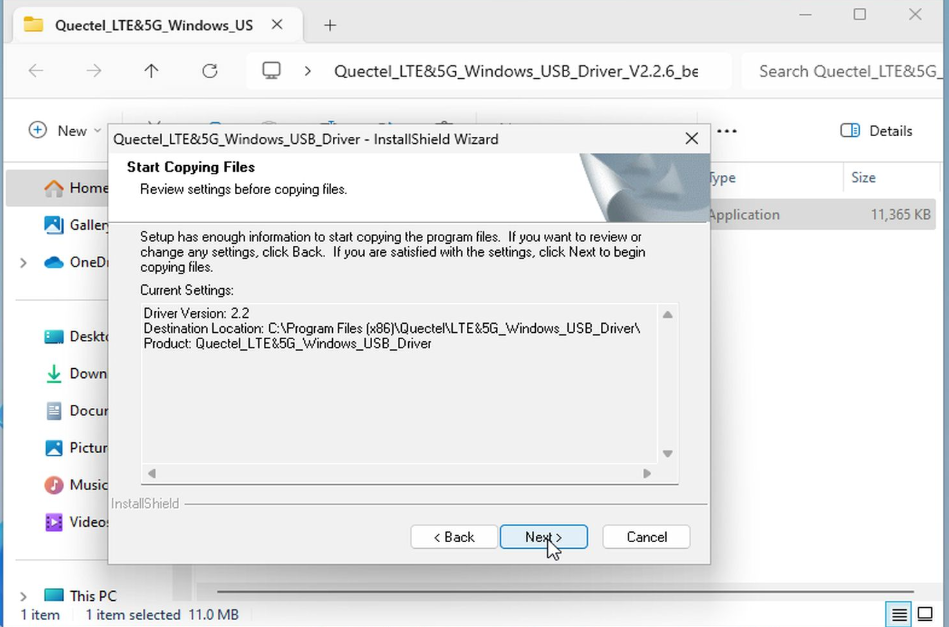
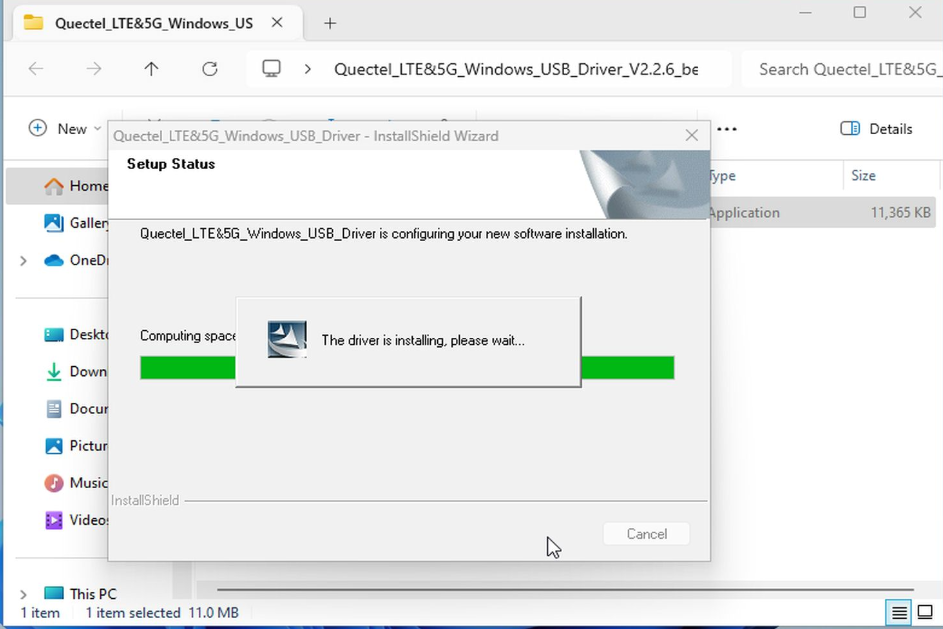
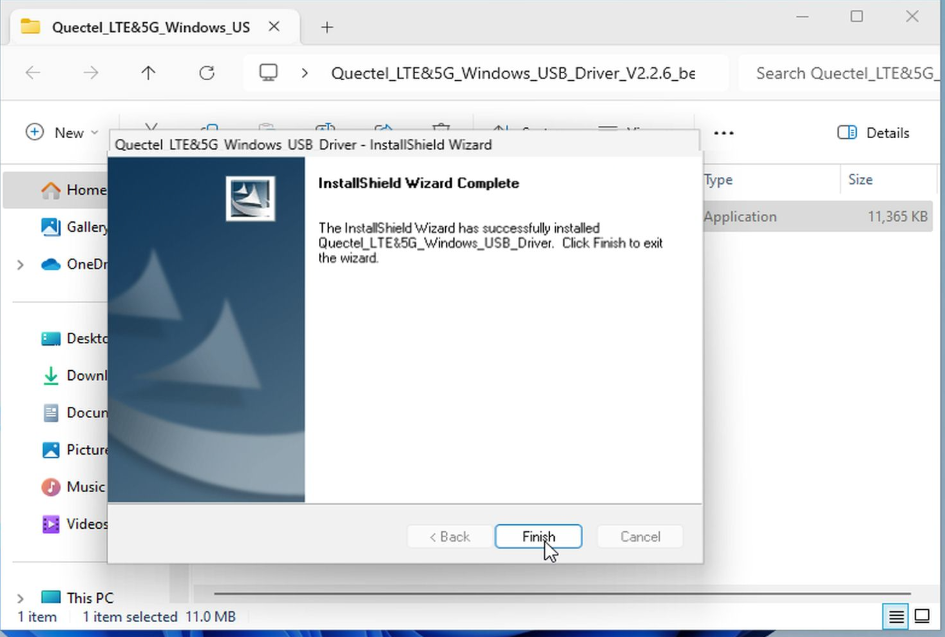
Download the file Quectel_LTE&5G_Windows_USB_Driver_V2.2.6_beta_20201230.zip to K1 and run setup.exe.
¶ Youyeetoo NFC/SPI/I2C3 Driver Packages
To use the K1 GPIO/UART/SPI/I2C/TP/MIPI Camera interface functions, this driver package must be installed.
Youyeetoo NFC/SPI/I2C3 Windows Driver Packages Download
- SPB-Driver-Signed.zip
Youyeetoo Official Drive Download Link
http://dd.youyeetoo.cn:5000/sharing/NHqlHiqjX
**
After downloading and extracting K1 compressed file, right-click the SpbDriver.inf file and click Install.

¶ MIPI Camera Driver Package
To use the K1 GPIO/UART/SPI/I2C/TP/MIPI Camera interface functions, this driver package must be installed.
Please ensure that the Windows driver package for the K1 CPU chip integrated graphics is updated and installed!
MIPI CSI Windows System Driver Package Download
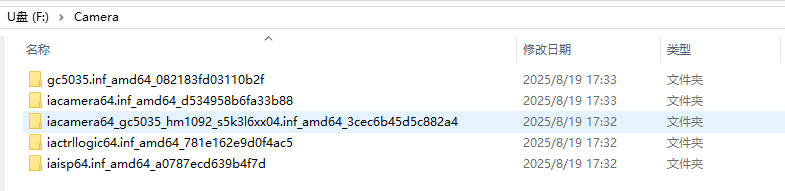
Download and extract the Camera.zip archive to your K1 motherboard.
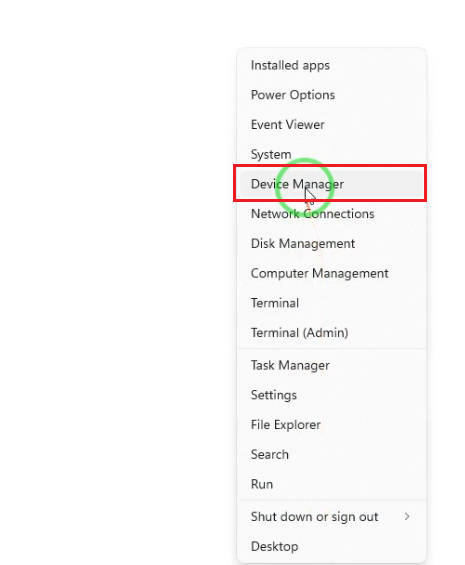
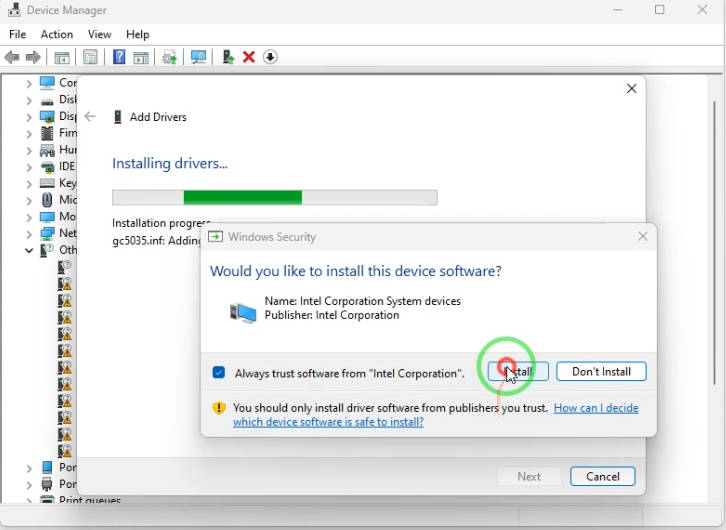
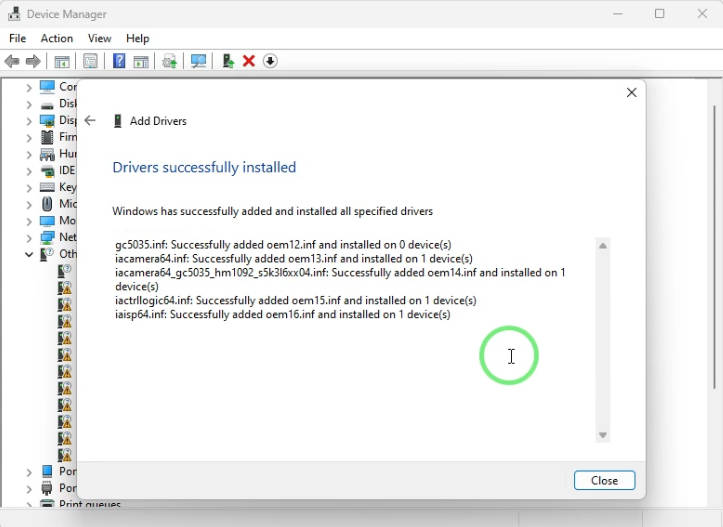
Locate the Windows icon on the taskbar, right-click it, and select "Device Manager" to open the Device Manager.
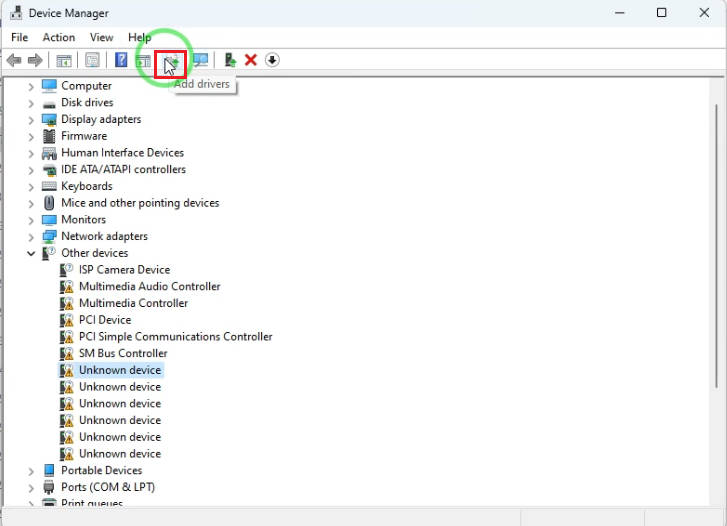
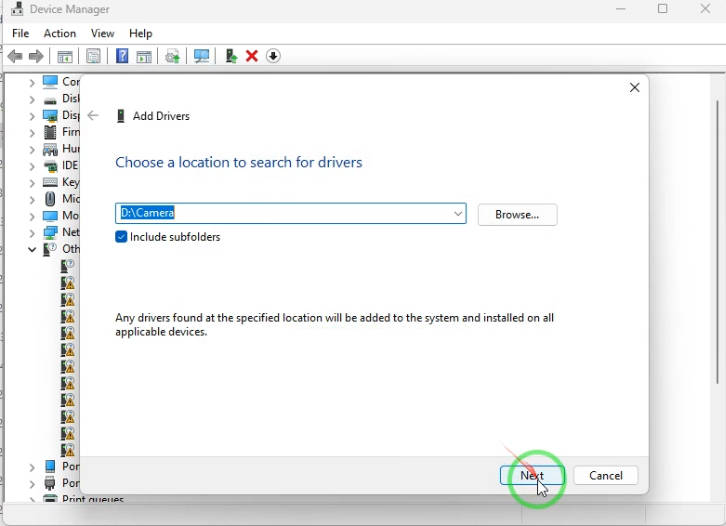
Click the "Add Driver" icon above, and select the folder where you just downloaded and extracted the Camera compressed file to your K1 motherboard.
¶ Audio Sound Driver Package
Audio Windows System Driver Package Download
- 220102_9079_PG476_HDAudio_FF00.zip
Youyeetoo Official Drive Download Link
http://dd.youyeetoo.cn:5000/sharing/pY2FM0hzx
**
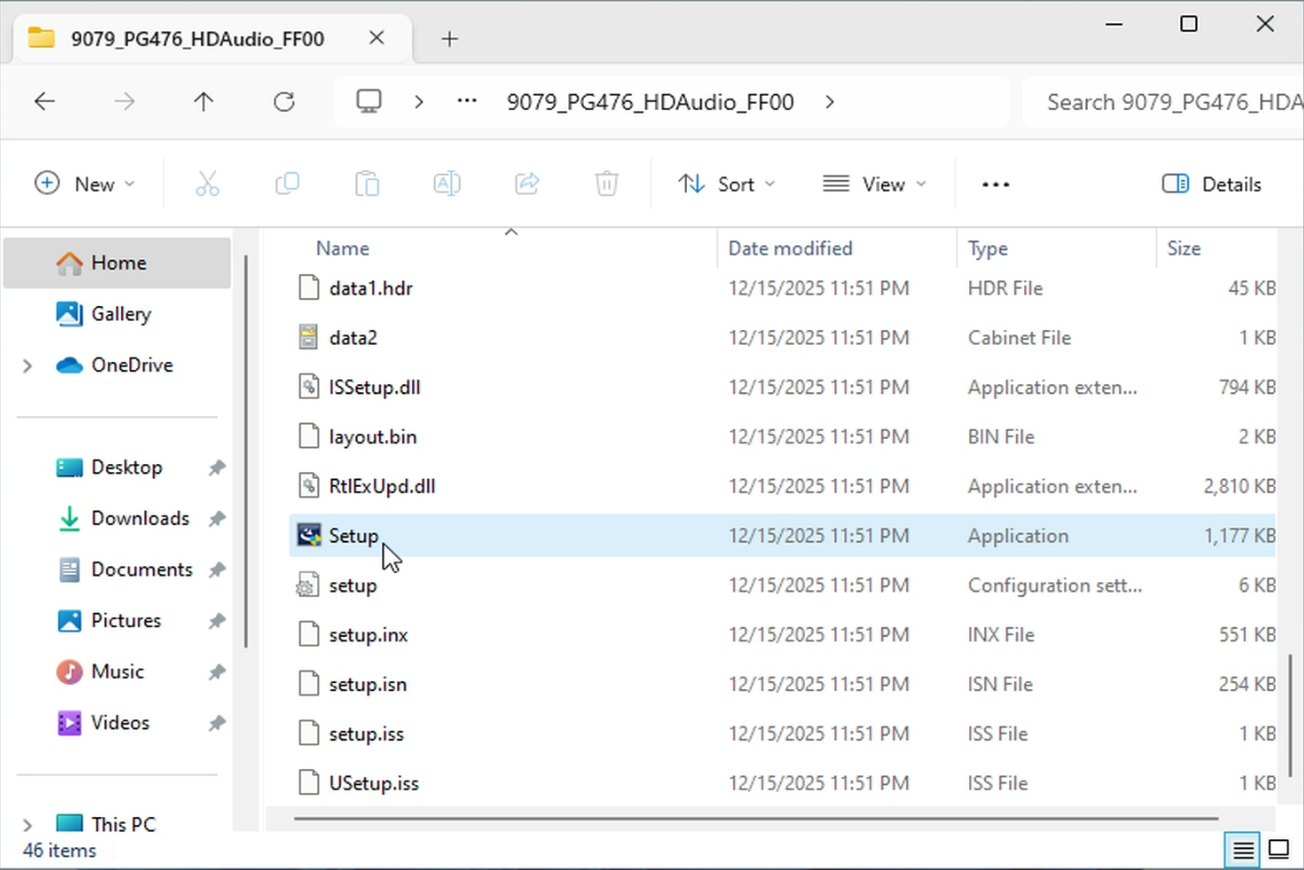
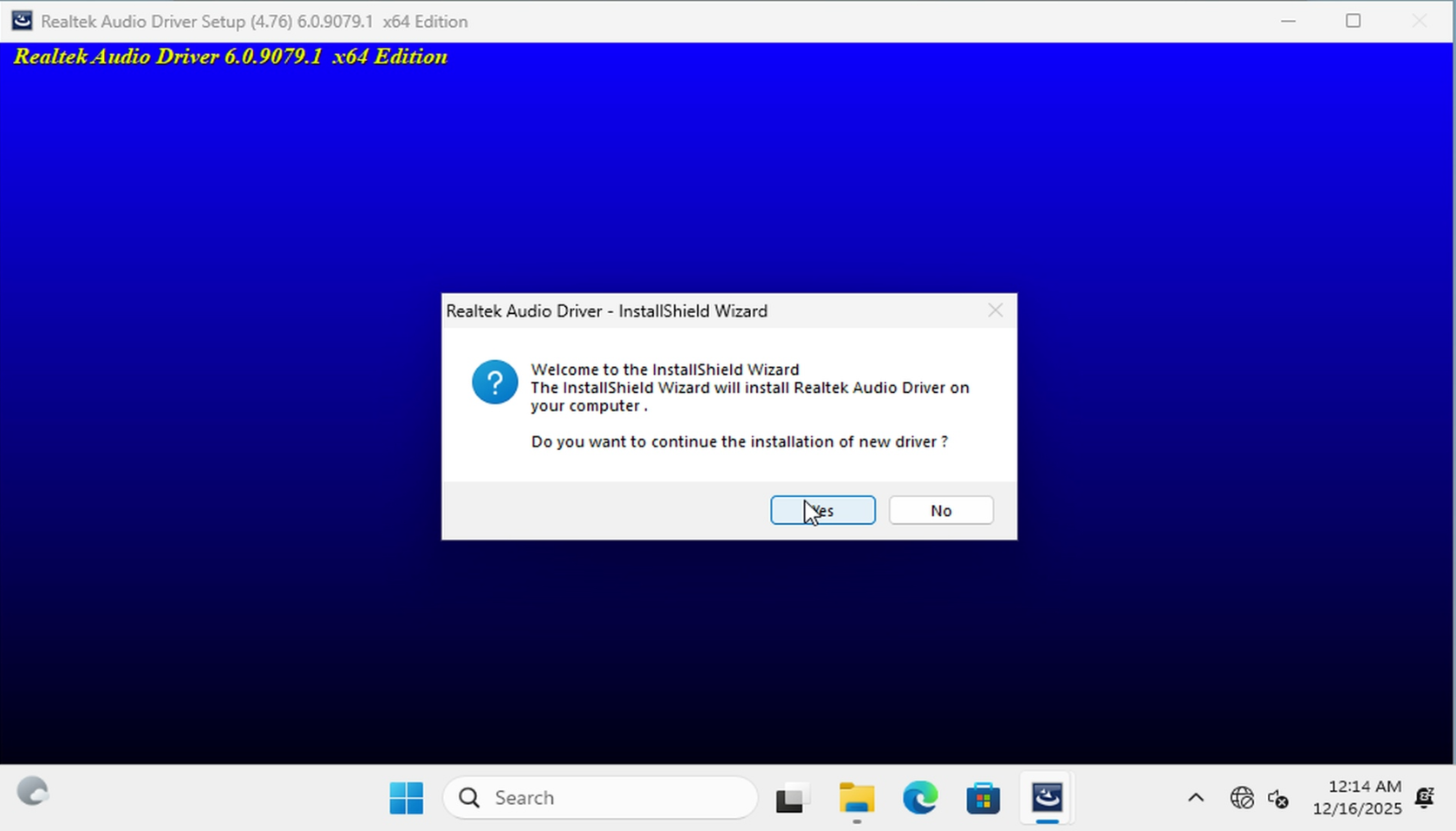
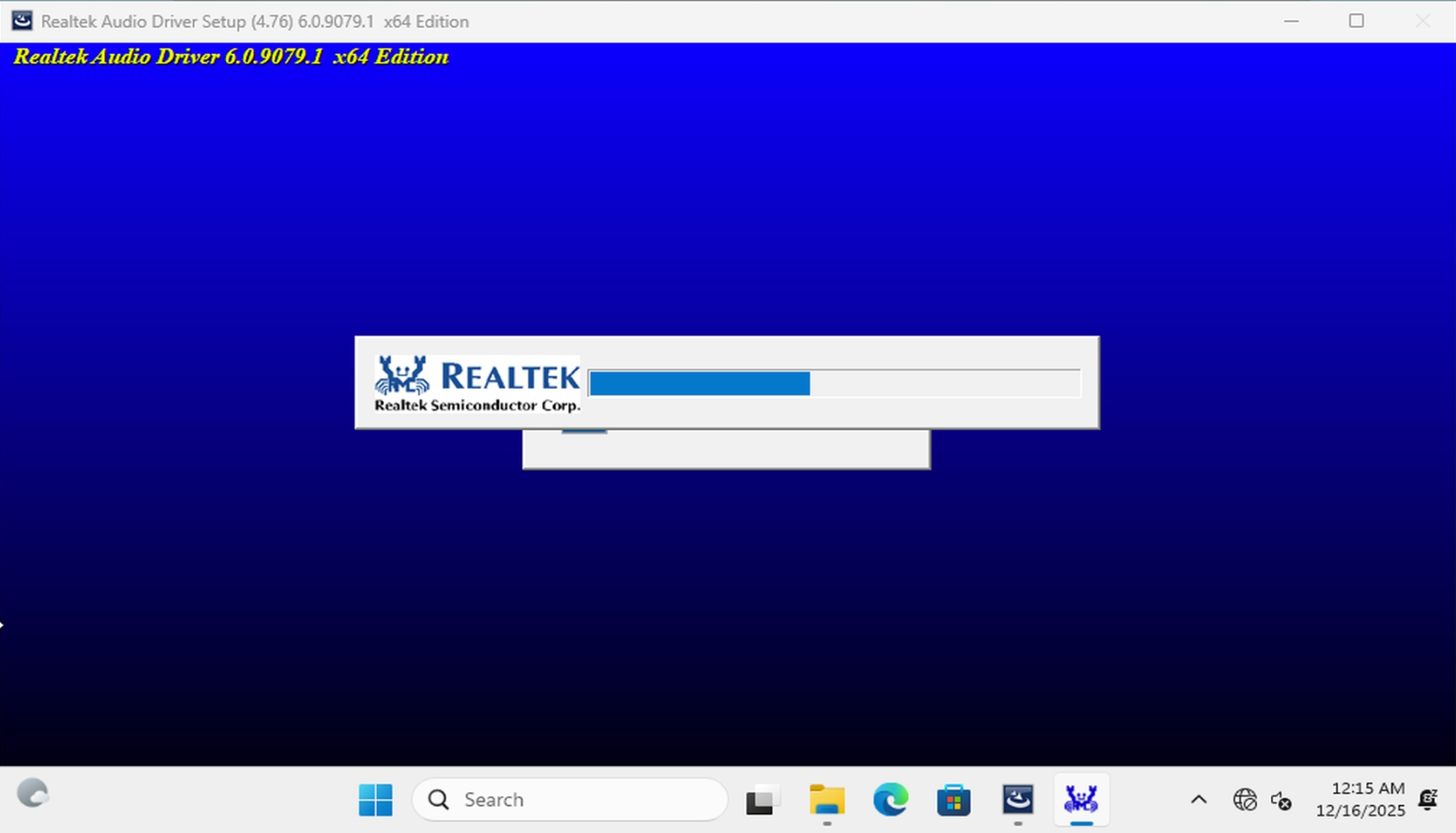
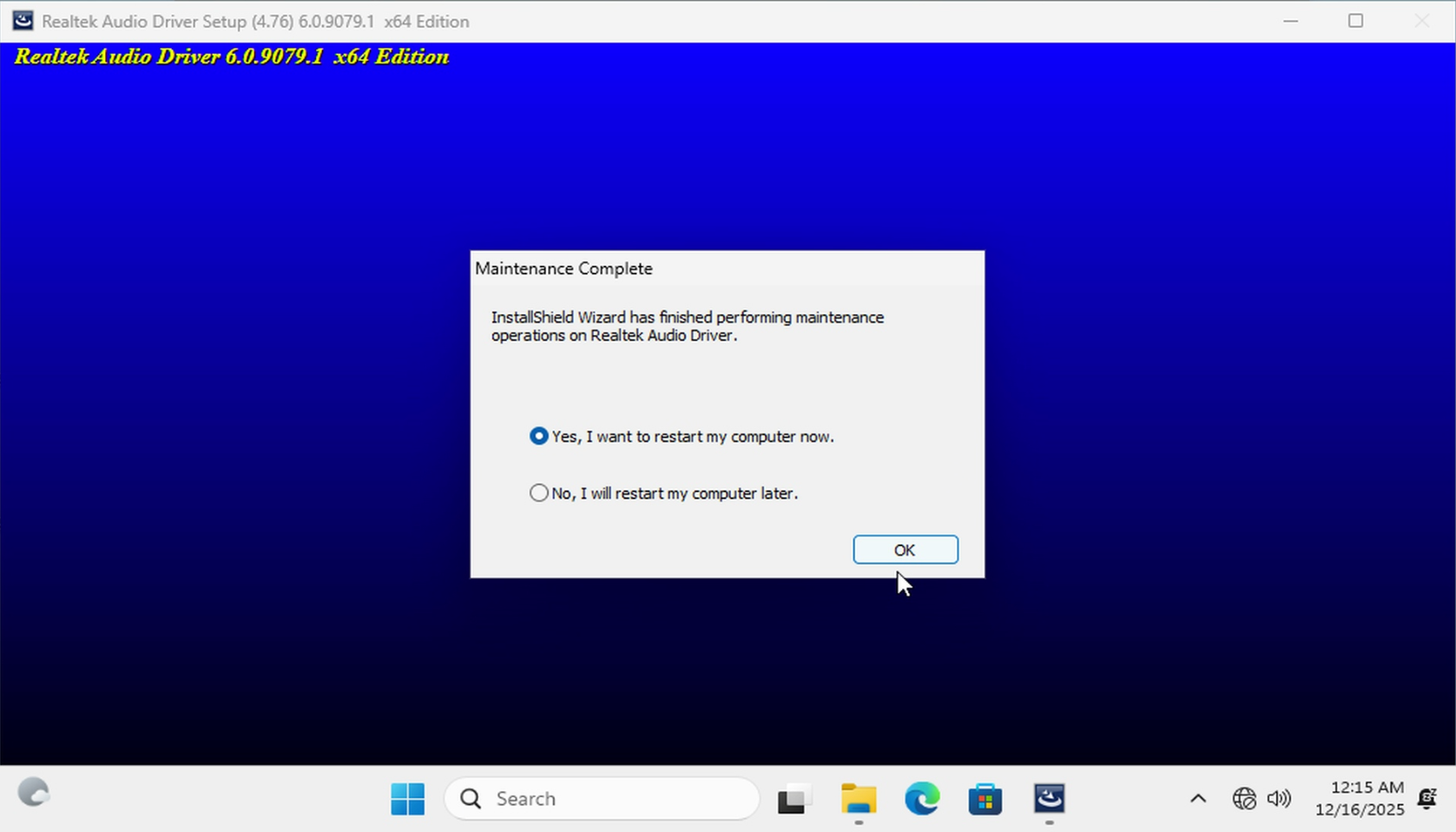
Download the compressed file 220102_9079_PG476_HDAudio_FF00.zip to K1 and run Setup.exe.