¶ Preparation
¶ Hardware preparation
-
youyeetoo K1 Board

-
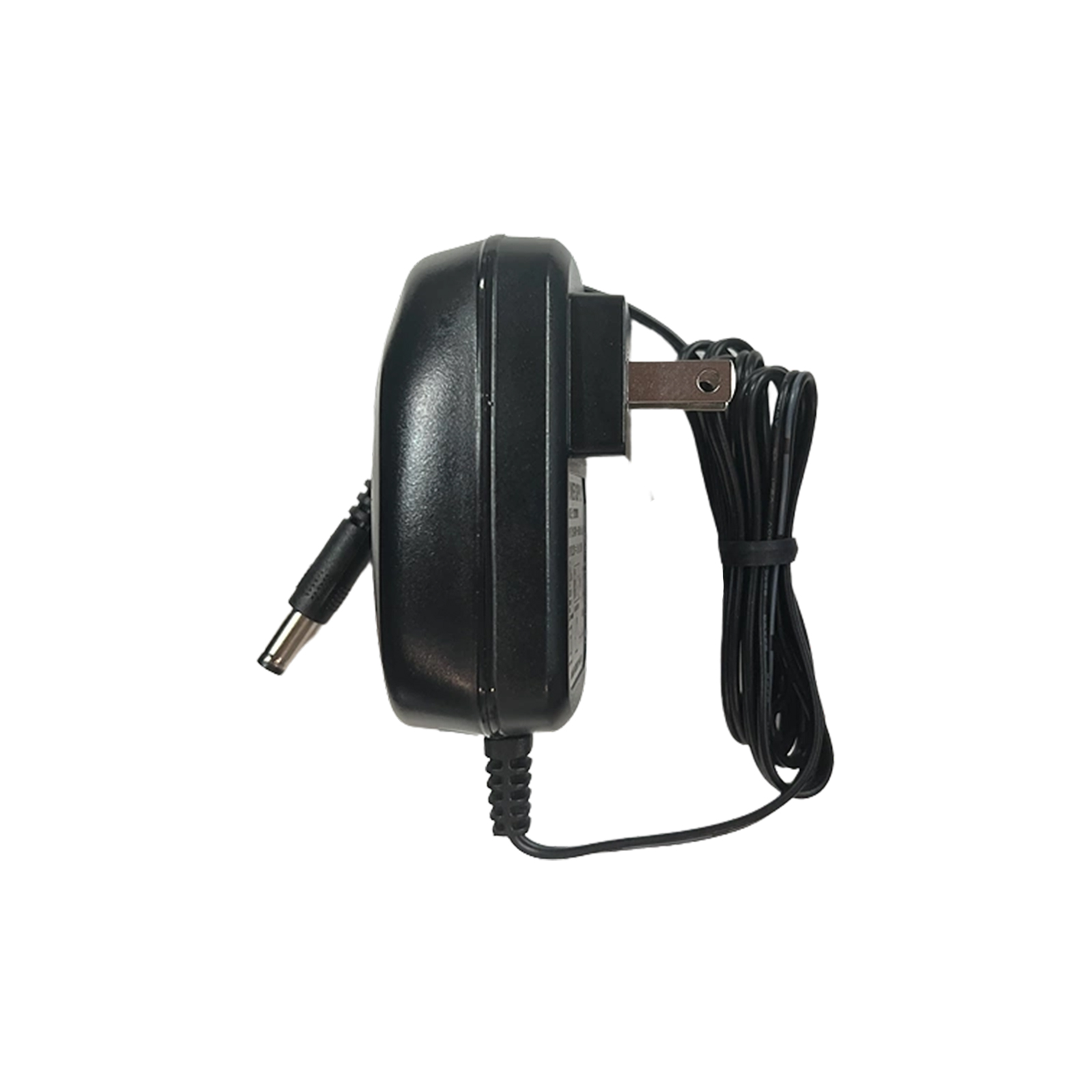
12V / 3A Power Adapter
-
A monitor that supports HDMI output (optional)
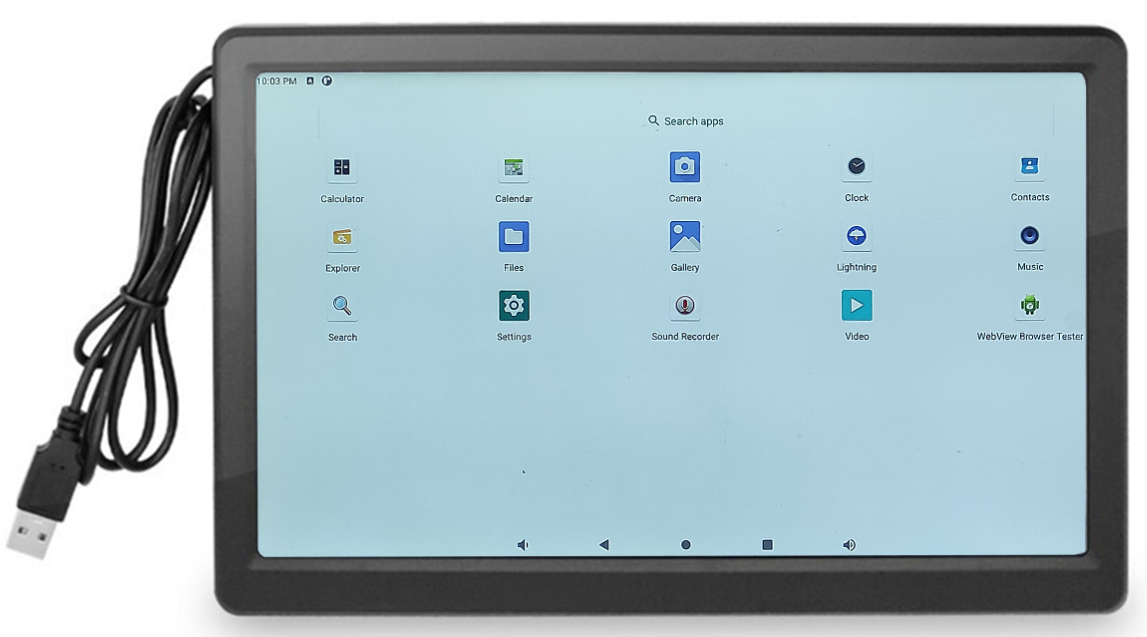
This chapter uses a 10.1-inch HDMI screen, which is available from Hot Wheels. Other HDMI displays can also be used, but you will need to purchase an HDMI/Micro HDMI cable separately.
-
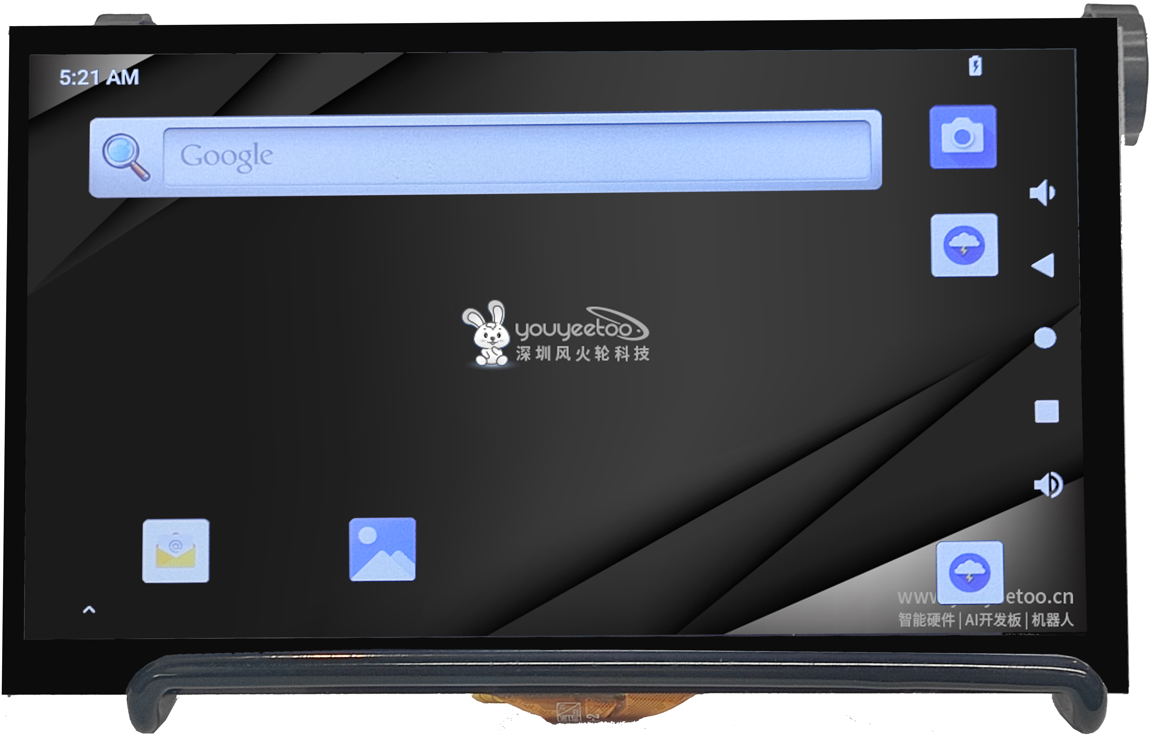
Youyeetoo MIPI Screen (Optional)
Requires a 30P reverse FPC flexible cable; length to be specified.
-
USB keyboard
-
USB mouse
¶ Software Preparation
1. System
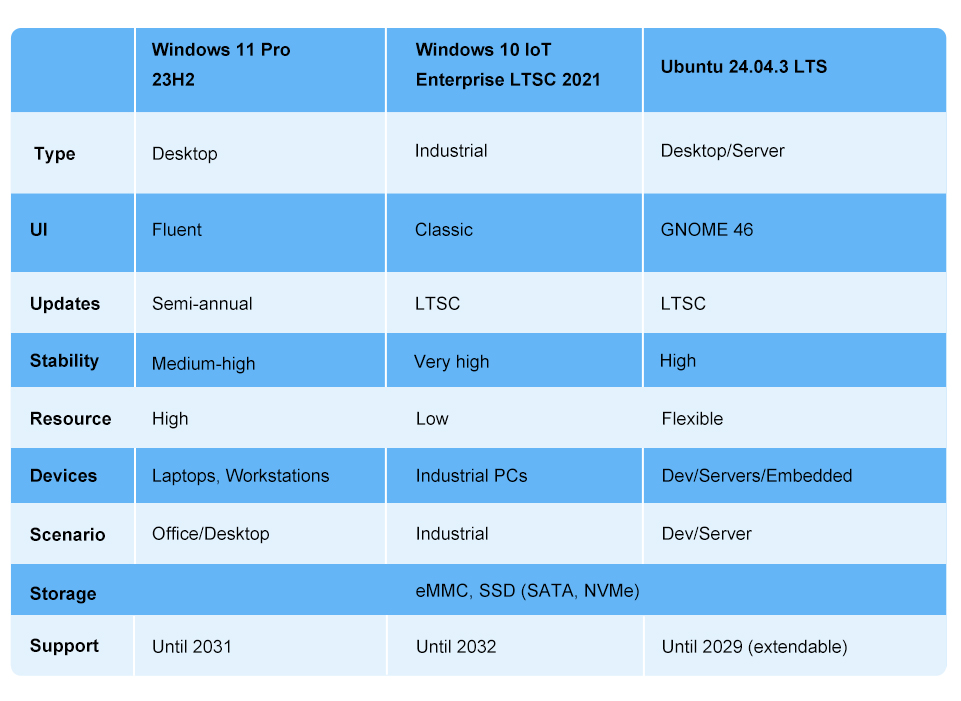
The K1 comes pre-programmed with a Windows system that supports Chinese, English, and Korean languages: K1_Win11_Pro_23H2_EMMC (22631.2428).
If you need to flash another system by default, you can refer to the following tutorial to reinstall the system.
- Windows system reinstallation tutorial Download the Windows system and install it on the development board.
- Ubuntu system reinstallation tutorial Download the Ubuntu system image and install it on the development board.
2. BIOS
The K1 comes with a factory-flashed BIOS firmware that includes the K1's actual onboard memory and supports MIPI and HDMI dual-screen output.
If you need to switch to other display interfaces by default, please refer to the BIOS reflashing tutorial.
| BIOS Functions | Options |
|---|---|
| K1 Onboard memory | L8 (8GB RAM) / L16 (16G RAM) |
| Display Interface | MIPI+HDMI (MIPI +HDMI Dual-screen output display) / EDP+HDMI(EDP +HDMI Dual-screen output display) |
- As shown in the image below, simply plug in the power supply and an HDMI or EDP/MIPI/Type-C display to power on and display the image.